29
b) Backup via IE browser (IE: Internet Explorer, Microsoft Edge doesn’t work)
1. Run Internet Explorer as administrator.
2. Type www.star4live.com in your IE browser bar.
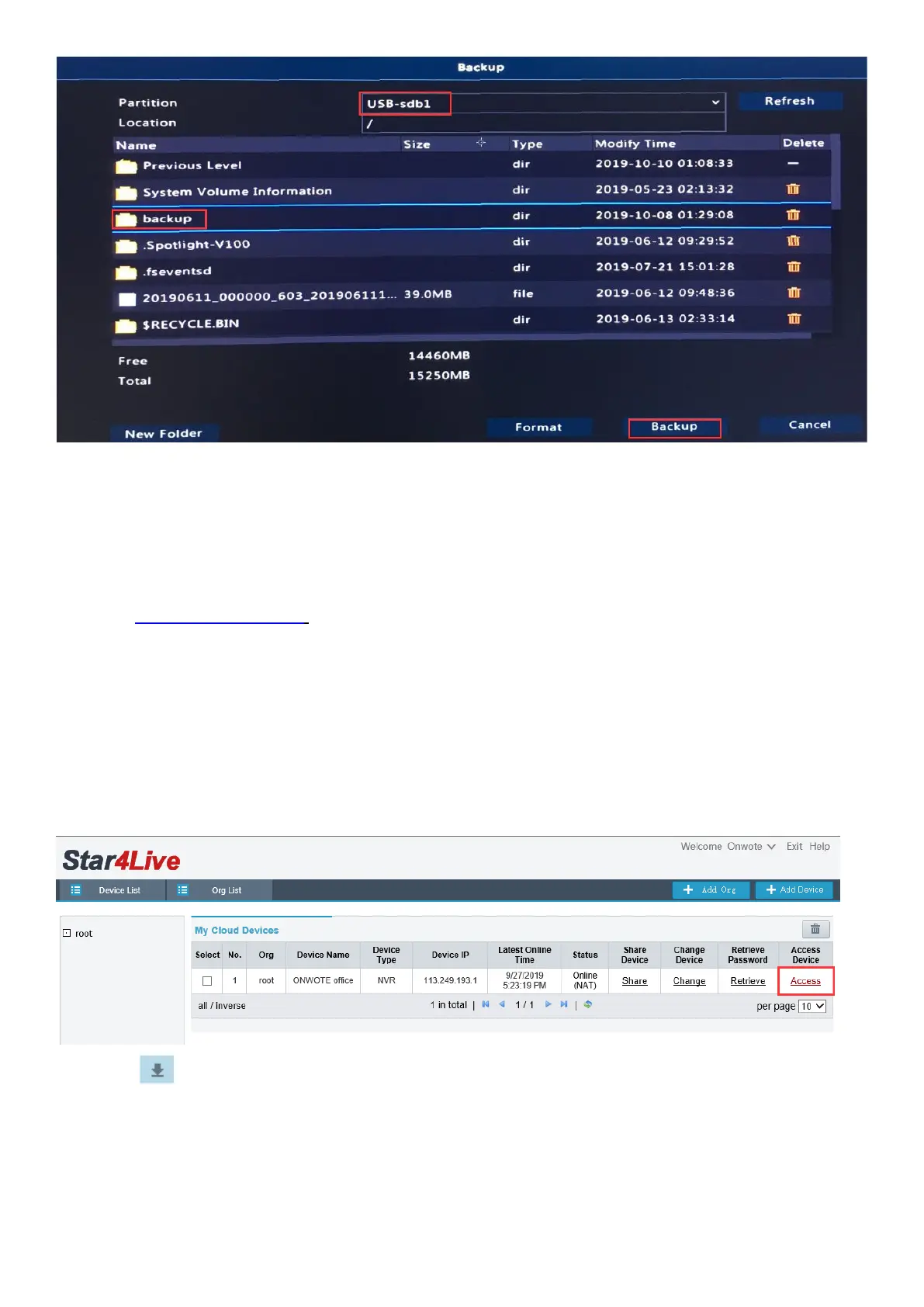
3. Login in with your account.
Tips: If you haven’t registered an account, click Sign up, follow the Step-c to Step-e on page
13 to register an account and add device)
4. Click on Access and go to Playback page.
5. Click behind a camera.
6. Select camera, date and time. Then click Query.
7. Check in the files and click Download to back up video.



 To Next Page