6
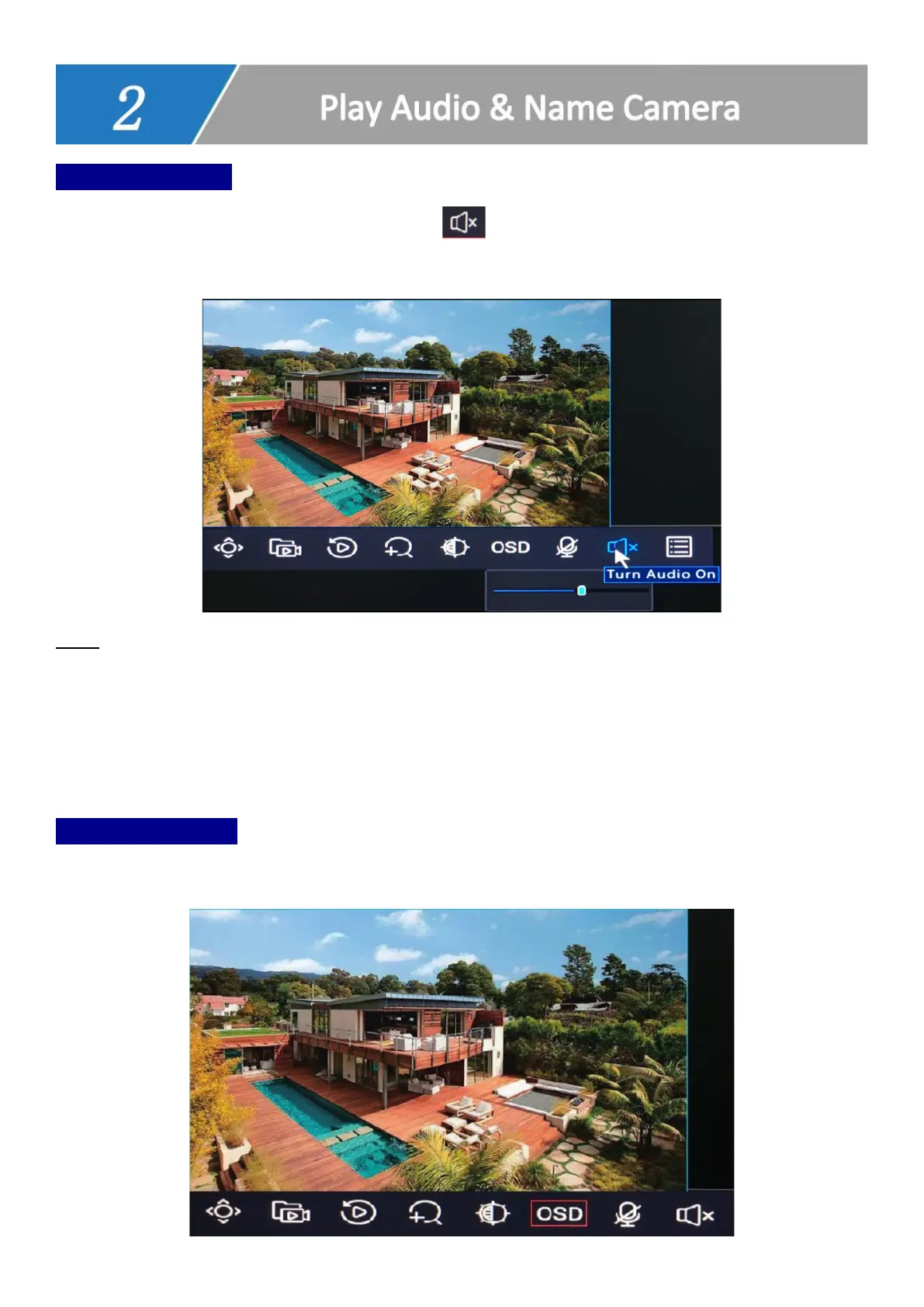
How to Play Audio?
Click on the channel to select camera, click to play audio. You can only play one
channel audio once.
Note
1. If your monitor does not come with a speaker, or does not support audio input via HDMI,
it may fail to output audio.
2. Some ONWOTE cameras do not support audio.
Name Your Cameras
Click on the channel to select camera, click OSD to edit camera name.



 To Next Page