Connect your phone to the Linx
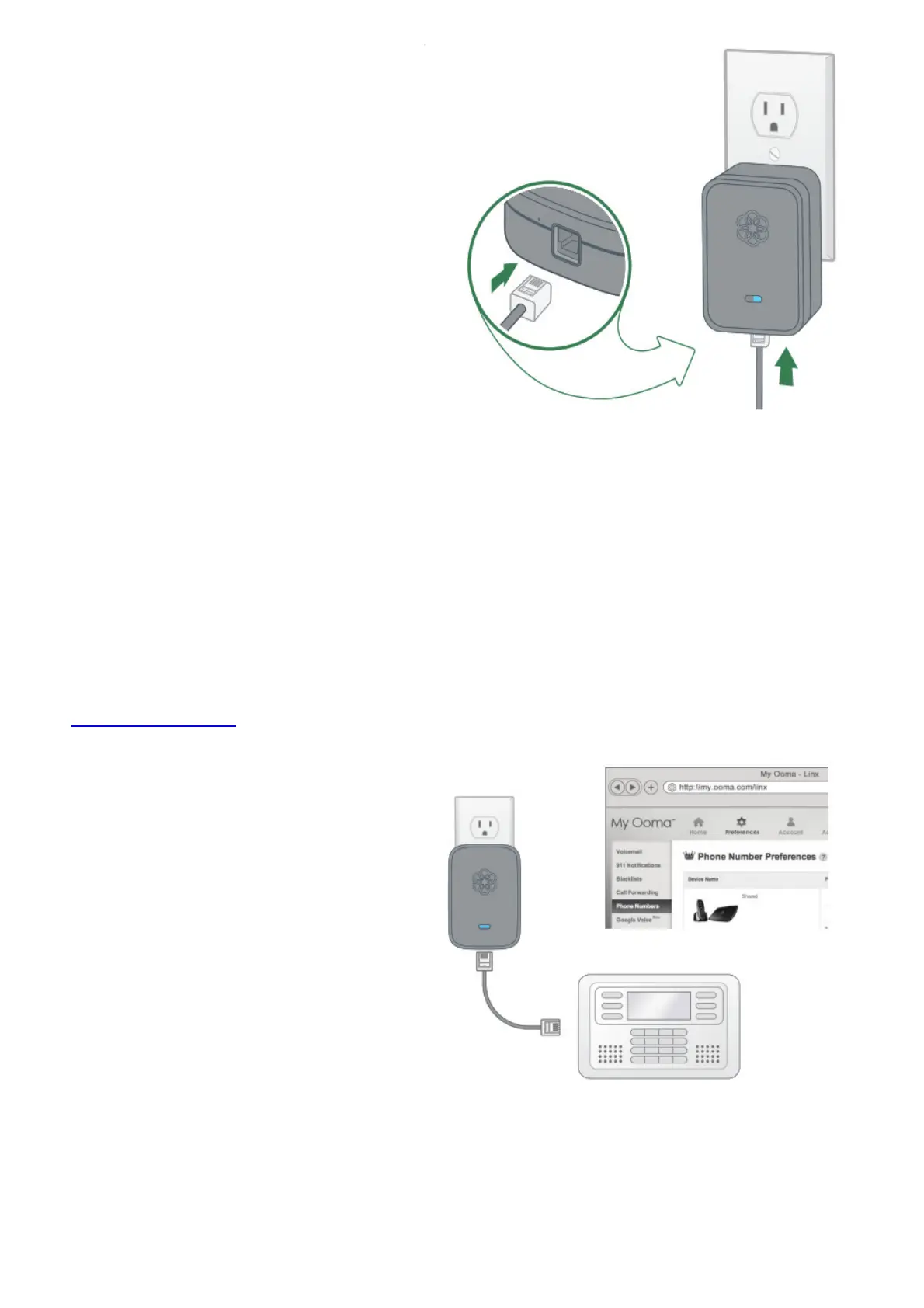
Your Linx is now ready to be installed anywhere in your home. Move the Linx to a power outlet close to
the phone or telephony device you want to connect it to. Plug the Linx in and verify that the system
status indicator turns blue after a few seconds.
Using your existing telephone cord, plug your telephone or telephony device into the phone jack at the
bottom of the Linx device.
Congratulations, you’re done!
You’re all set! Your telephone (or telephony device) is now connected to your Ooma system. Pick up
the phone connected to the Linx. Hear the melodious dialtone? That’s the sound of Ooma. Dial now!
IMPORTANT: If you are connecting an alarm system to the Linx, you must complete your setup online
at my.ooma.com/linx.
√ Quick Reference



 To Next Page