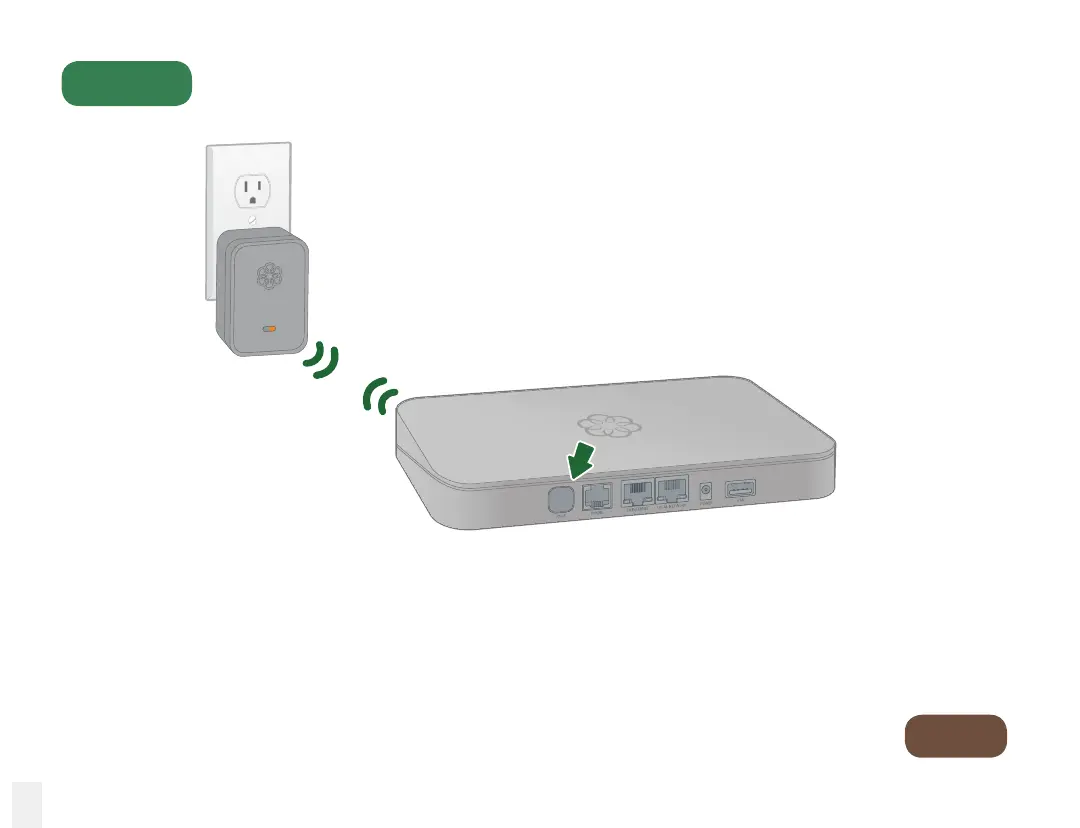
Put Your Base Station in Registration Mode
Step 3
Go to
Step 4
Activate registration mode
Press and hold the PAGE button on the back of your Base Station for three
seconds to activate registration mode.
The Linx will automatically pair with the Base Station. Once this process is
complete, the system status indicator on the Linx device will turn blue.
16



 To Next Page