Activate Online
Begin by activating your Ooma Ofce Base Station online.
Locate the seven-digit activation code printed on the bottom
of the Base Station.
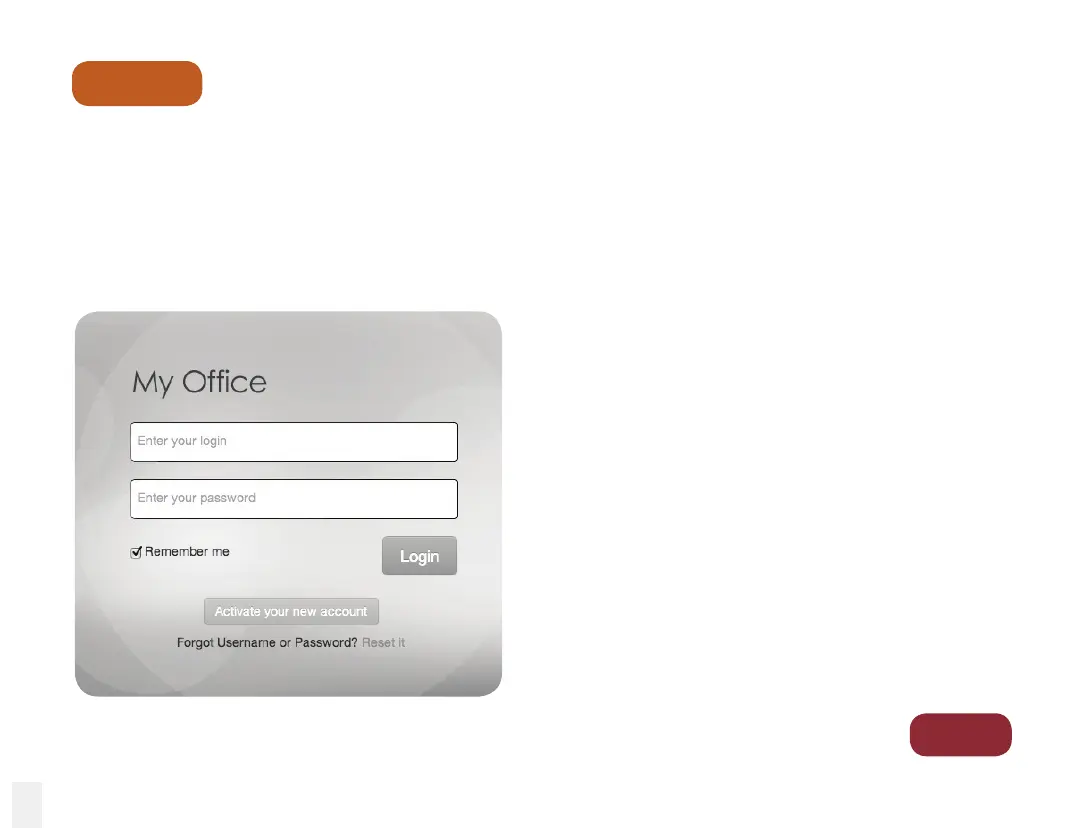
Next, navigate your web browser to: myofce.ooma.com
Click on the Activate your new account button.
The activation wizard will guide you through:
•
Selecting a business (or temporary) phone
number
•
Registering your 911 address
•
Adding billing information
•
Set up the basic conguration for your
system
You’ll receive an email conrmation once your
device is activated.
Step 1
Go to
Step 2
8



 To Next Page