Have a Question or Need Assistance?
Here is where you can look for help:
Knowledge base: www.ooma.com/support
User manuals: www.ooma.com/userguide
Live Customer Care: 1-866-939-OOMA (6662)
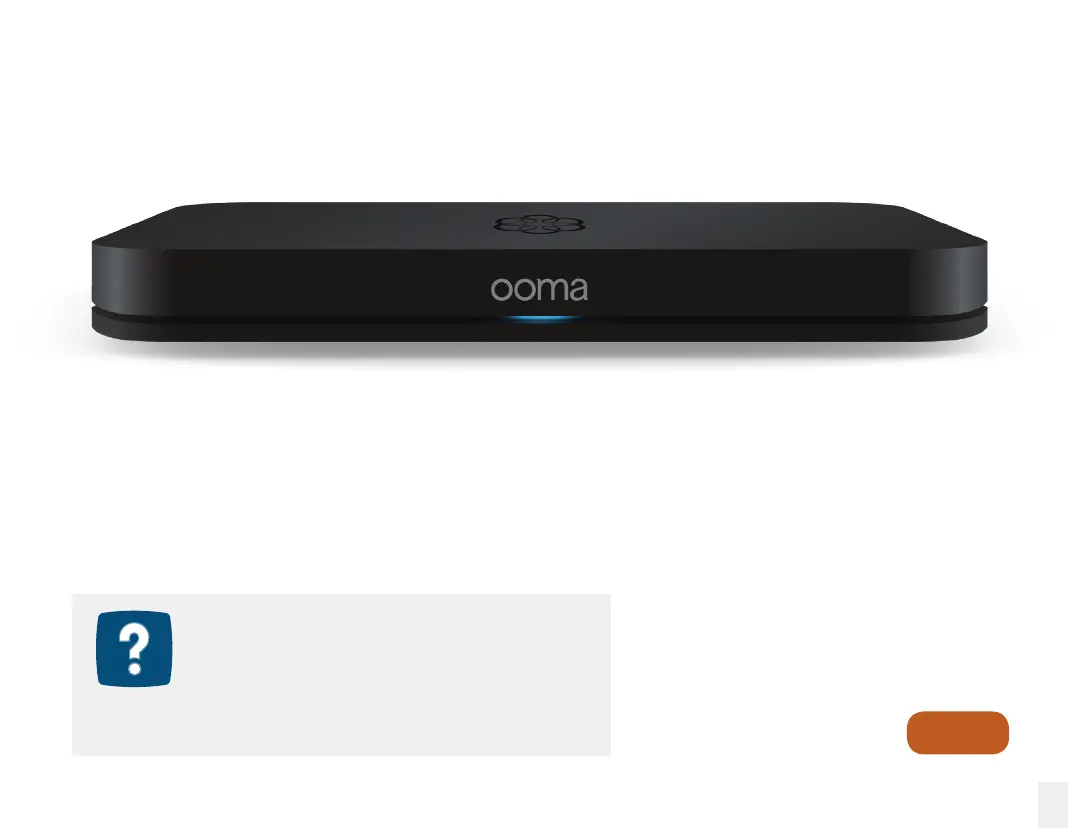
The Ooma Ofce Base Station connects to your Internet service and routes calls to and from
the phones in your ofce. It also enable you to add wireless extensions like the Ooma Linx
device. The range of the wireless signal is approximately 150ft (50m) indoors, so it is best to
install your Base Station in a central location.
This guide will walk you through setting up your new system and introduce you to the basics
of using Ooma Ofce.
Setting Up Your Base Station
Go to
Step 1
7



 To Next Page