6 7
Congratulations, you’re done!
Place your first phone call
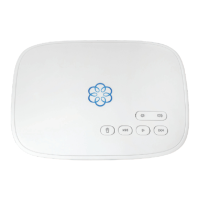
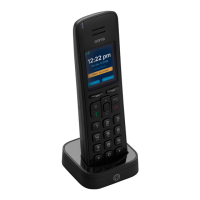
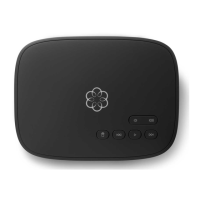
Pick up the phone you connected to the Ooma Telo and dial just like you always
do. Call a friend or family member and experience firsthand the quality of Ooma
PureVoice™ technology. While you’re at it, you might want to tell them about Ooma!
Check out My Ooma
Access your online control panel at my.ooma.com. Here you’ll unlock
the capabilities of your system:
■ Check voicemail and call logs
■ Configure preferences and set up advanced features
■ Purchase additional services and add-ons
And much more! The first time you log in, our Setup Wizard will help
you configure our most popular features.
Set up your voicemail
Initializing your voicemail account takes only a few minutes. To get
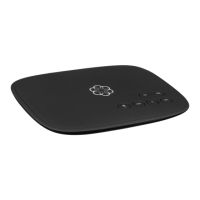
started, pick up the phone connected to the Ooma Telo and press
the key on the Telo.
The system will walk you through configuring your account and
recording a personal greeting.
What’s next?
Transfer your phone number
In most areas, you can port your existing phone number to Ooma for
a one-time fee. You must maintain phone service with your current
provider until the porting process is completed, which usually takes
about 3-4 weeks. To check availability, to learn more, or to get started,
please visit: my.ooma.com/port
Explore Ooma Premier™
Ooma Premier is a bundle of enhanced calling features that will get your
home phone service firing on all cylinders! Each Ooma Telo includes a
free trial of Ooma Premier, giving you the chance to test drive more
than 25 premium calling features.
See the Ooma Premier section for an overview of our most popular
features. To learn more about all the features and benefits included in
a subscription to Ooma Premier, go to: my.ooma.com/premier


 To Next Page