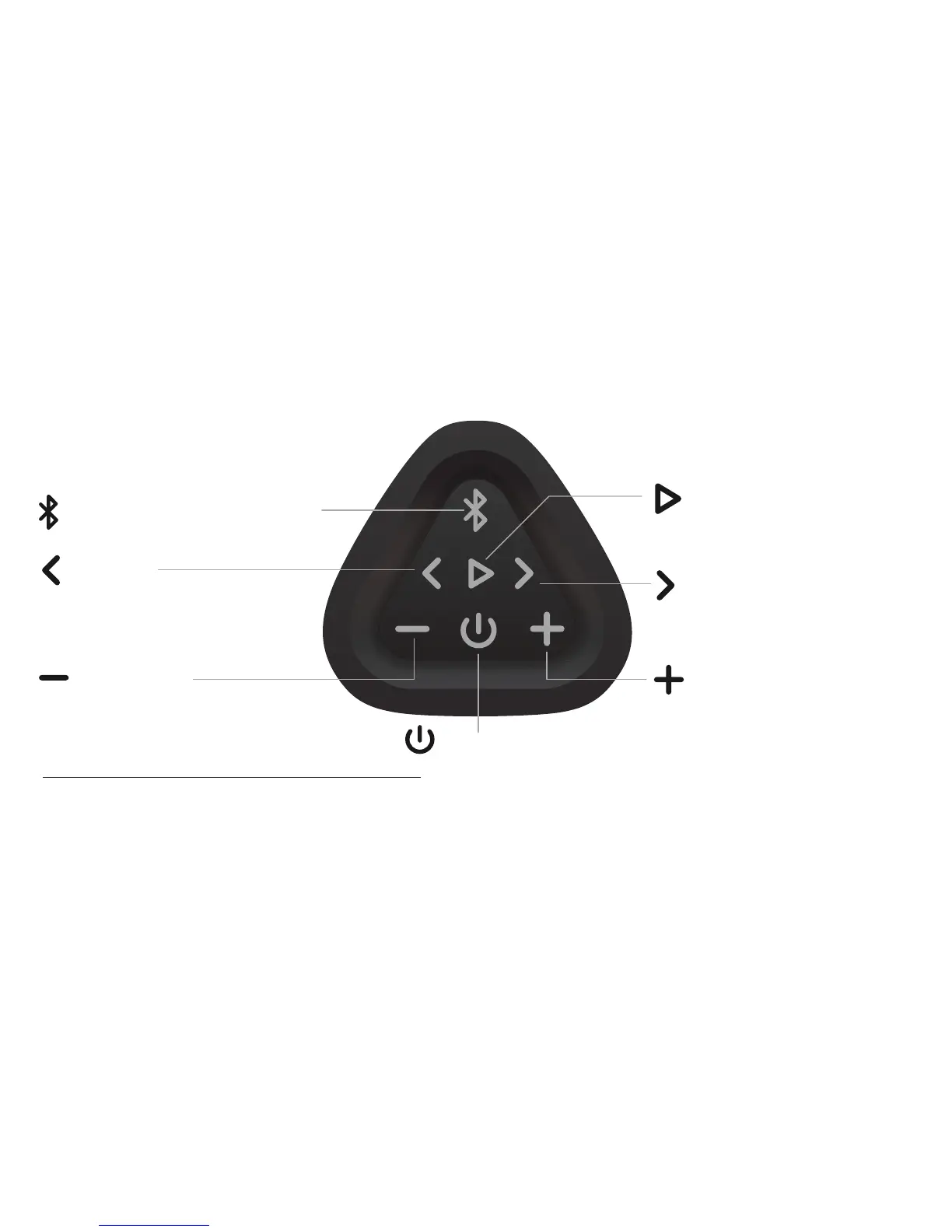
Track Back
Track Forward
Power Button
- Make sure the volume level is set high on your audio source device. The volume on the OontZ Angle 3 PLUS and your audio source device both need to
be set to the highest level for the loudest volume. The volume controls on your audio source device and the speaker work independently of each other.
- Some apps may not support track back, track forward, or play/pause
Note:
Play/Pause
Play Controls
Page 2
Bluetooth Button (Dual Function)
Press and Release to go to the beginning
of the current track. Press and Release a
second time to play previous track
Press and Release to Pause/Play
Press and Release to play next track
Volume Down
Press to decrease volume
Volume Up
Press to increase volume



 To Next Page