Page 15
– Use the buttons on the Play Control Speaker for play/pause, track back, track forward, answer and end
phone calls. These controls are disabled on the second speaker when paired together.
– Use the Play Control Speaker for connecting to different audio devices via Bluetooth or AUX IN. The
Bluetooth and AUX IN are disabled on the second speaker when paired together.
– Speakerphone call audio will only play through the Play Control Speaker
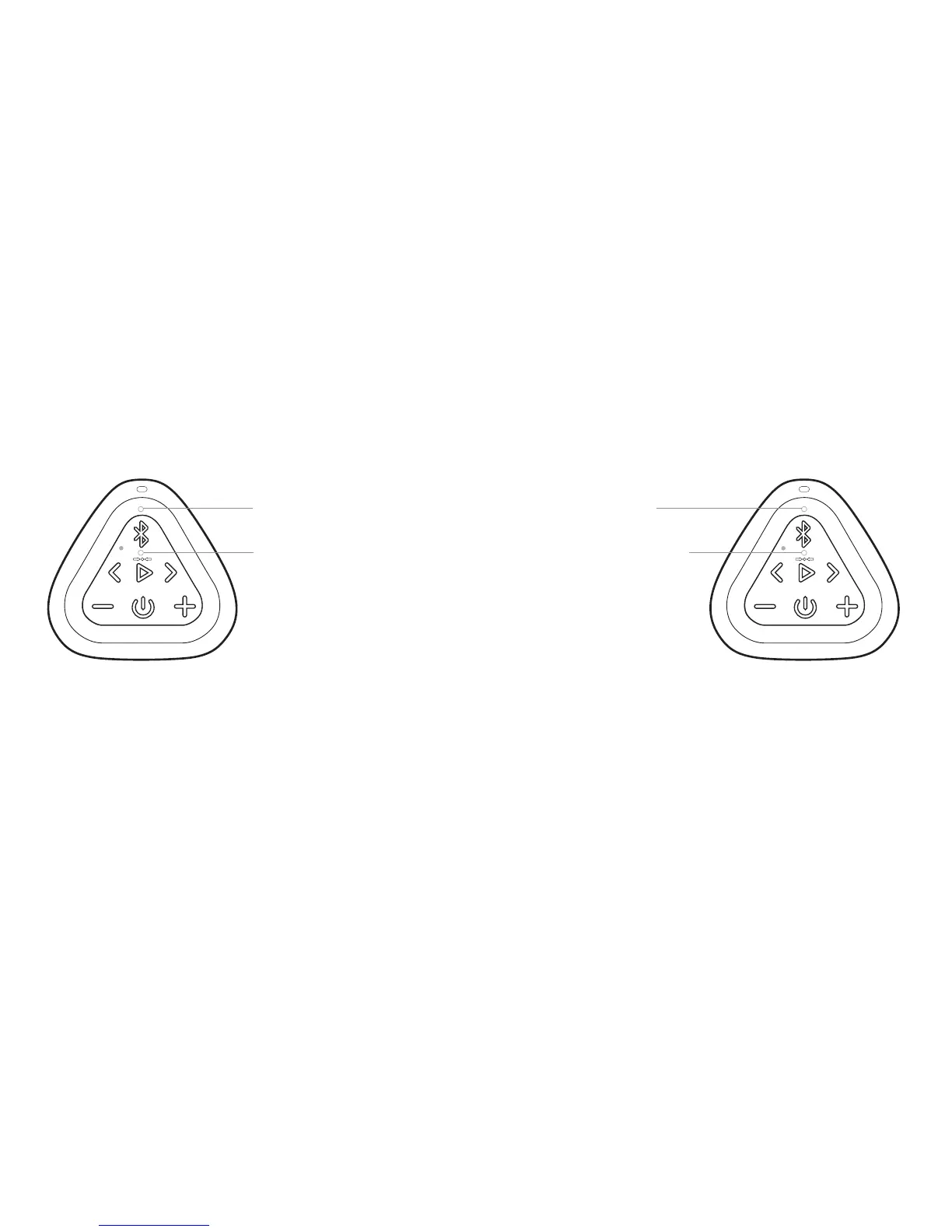
Play Control Speaker
Second Speaker
Two OontZ Angle 3 RainDance Speakers connected for Left Channel - Right Channel
Blue Light lit solid
White Light lit solid
Blue Light OFF
White Light lit solid



 To Next Page