Radio 123
Radio
Usage ........................................ 123
Station search ............................ 123
Autostore lists ............................ 125
Radio data system (RDS) .......... 125
Usage
Radio mode
Switch from CD or AUX mode to radio
mode as shown below:
Press FM/AM button.
You are listening to the station last
tuned in.
Selecting a waveband
The Infotainment system provides
two wavebands: FM and AM. In
addition, each of the wavebands has
an autostore memory location (AS)
where stations can be automatically
stored 3 125.
The radio is on.
Press FM/AM button briefly.
The radio switches between FM, FM-
AS, AM and AM-AS.
The station last selected on the
waveband is heard and displayed.
Station search
Automatic search
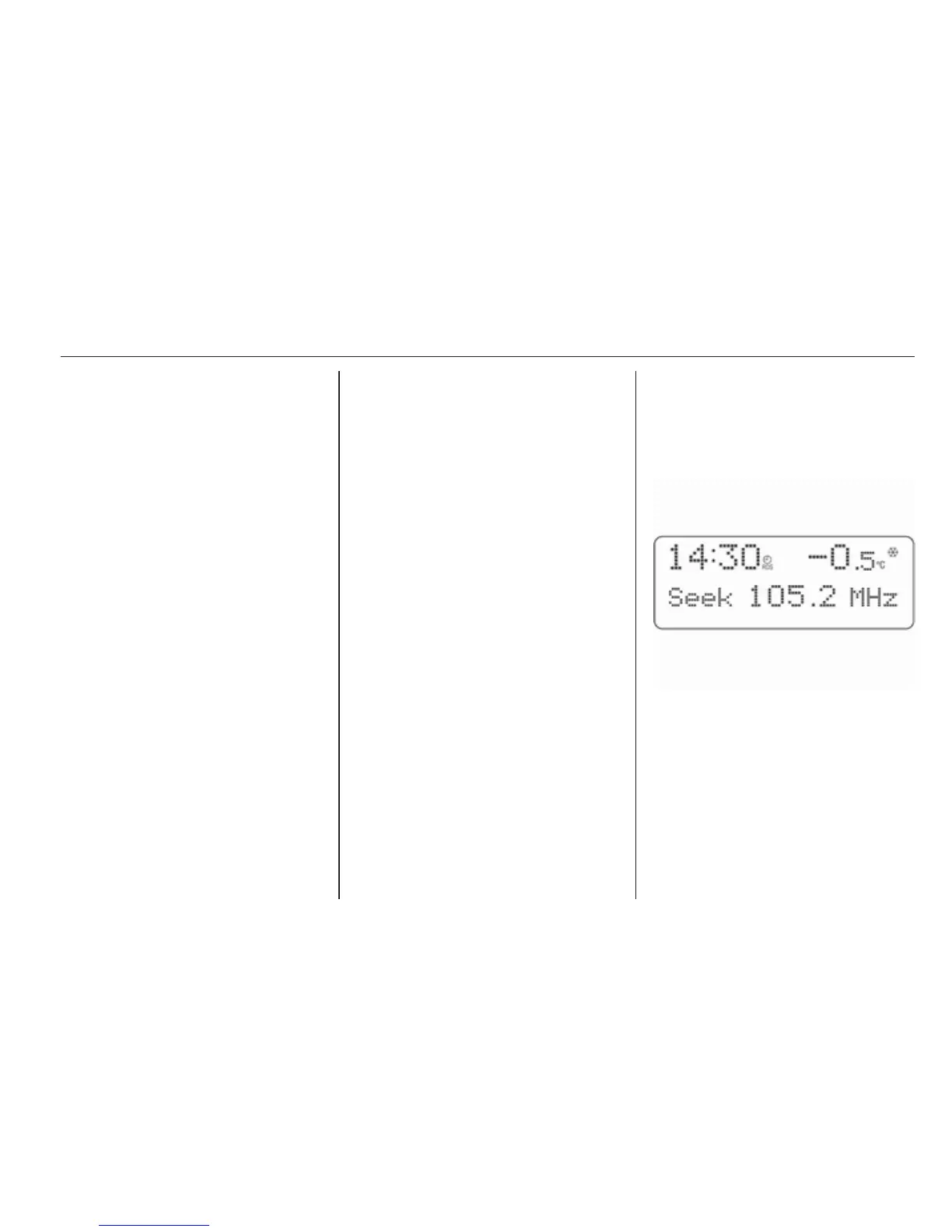
Keep m or n pressed until Seek is
displayed.
The radio is muted until a station is
found.
If the radio cannot find a station, it
switches automatically to a more
sensitive search level. If it still cannot
find a station, the last frequency
active will be set.








 To Next Page