Navigation 57
Petrol stop
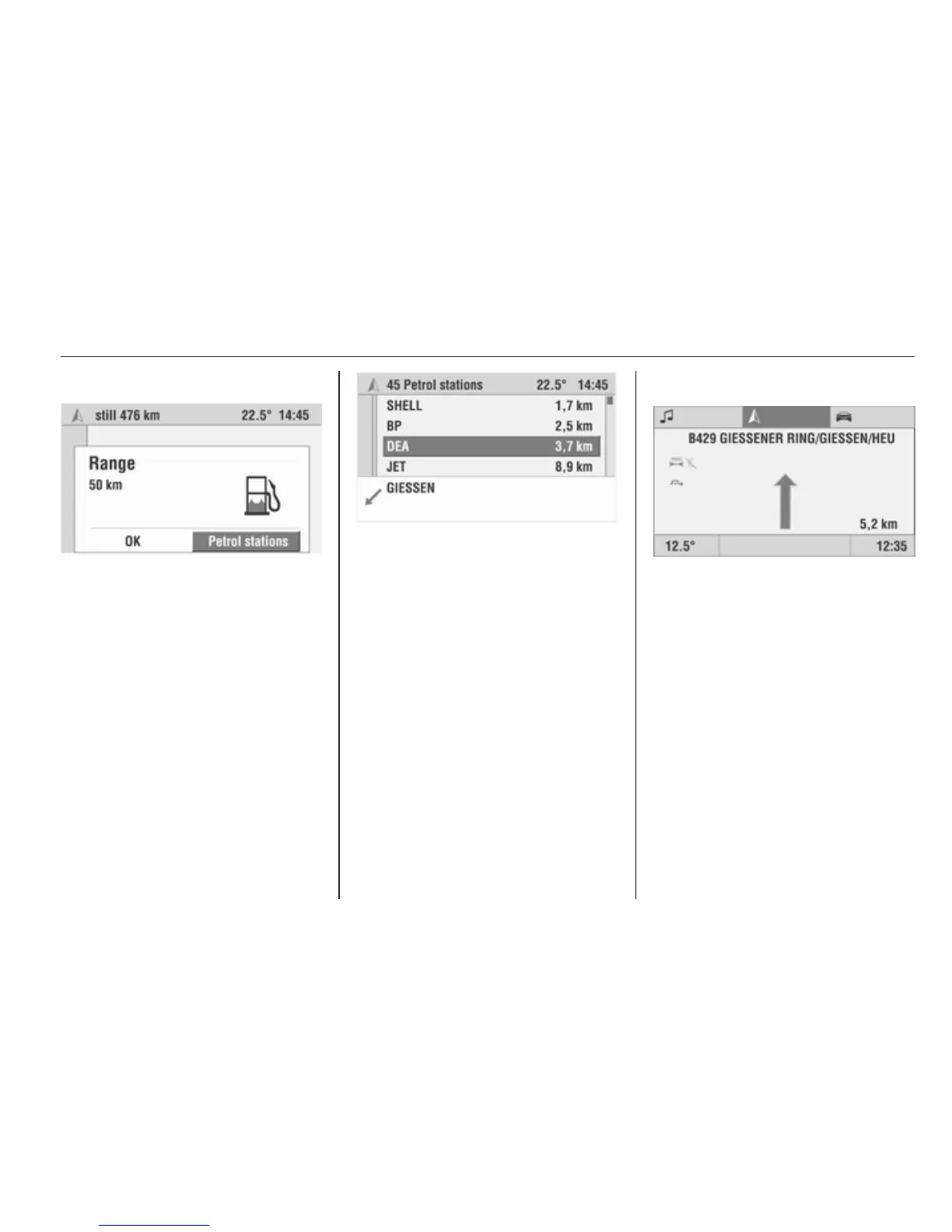
As soon as the range calculated by
the trip computer has dropped below
a certain distance, the Infotainment
system informs you with a message
and offers you the option of planning
a route to a petrol station nearby.
Select Petrol stations.
A list of up to 10 petrol stations in the
vicinity is displayed, sorted based on
distance from the current location.
The arrow indicates the direction of
the selected petrol station.
Only petrol stations included on the
navigation DVD/CD as points of
interest are displayed.
Select the desired petrol station from
the list.
Select Start navi.
The Infotainment system calculates
a route to the selected petrol station.
Or:
Confirm the range message with OK
if you do not require route planning to
a petrol station.
Guidance
After the route has been calculated,
guidance takes place by means of
voice output and directional arrows.
The directional arrows are displayed
in the guidance screen or in the main
display in simplified form.
Voice output and the directional arrow
in the display recommend the next
change in travel direction.
■ Adjusting the announcement
volume in the navigation Settings
menu 3 38.
■ Setting the route options in the
navigation Settings menu 3 38.








 To Next Page