88 Radio
Radio
Usage .......................................... 88
Station search .............................. 88
Autostore lists .............................. 91
Radio data system (RDS) ............ 93
Digital audio broadcasting ........... 96
Usage
Radio mode
Switch from CD mode to radio mode
as shown below:
Press TUNER button.
You are listening to the station last
tuned in.
Selecting a waveband for radio
mode
You are listening to the station last
tuned in.
In the radio menu turn the
multifunction knob to the left until
menu item Return is displayed on the
title bar.
Press the multifunction knob.
The Audio menu is displayed.
Select waveband FM, AM or DAB (if
available).
The station last selected on the
waveband is heard and displayed.
It is possible to choose between FM
(analogue radio) and DAB (digital
radio, if available) by pressing the
TUNER button.
Station search
Station menu
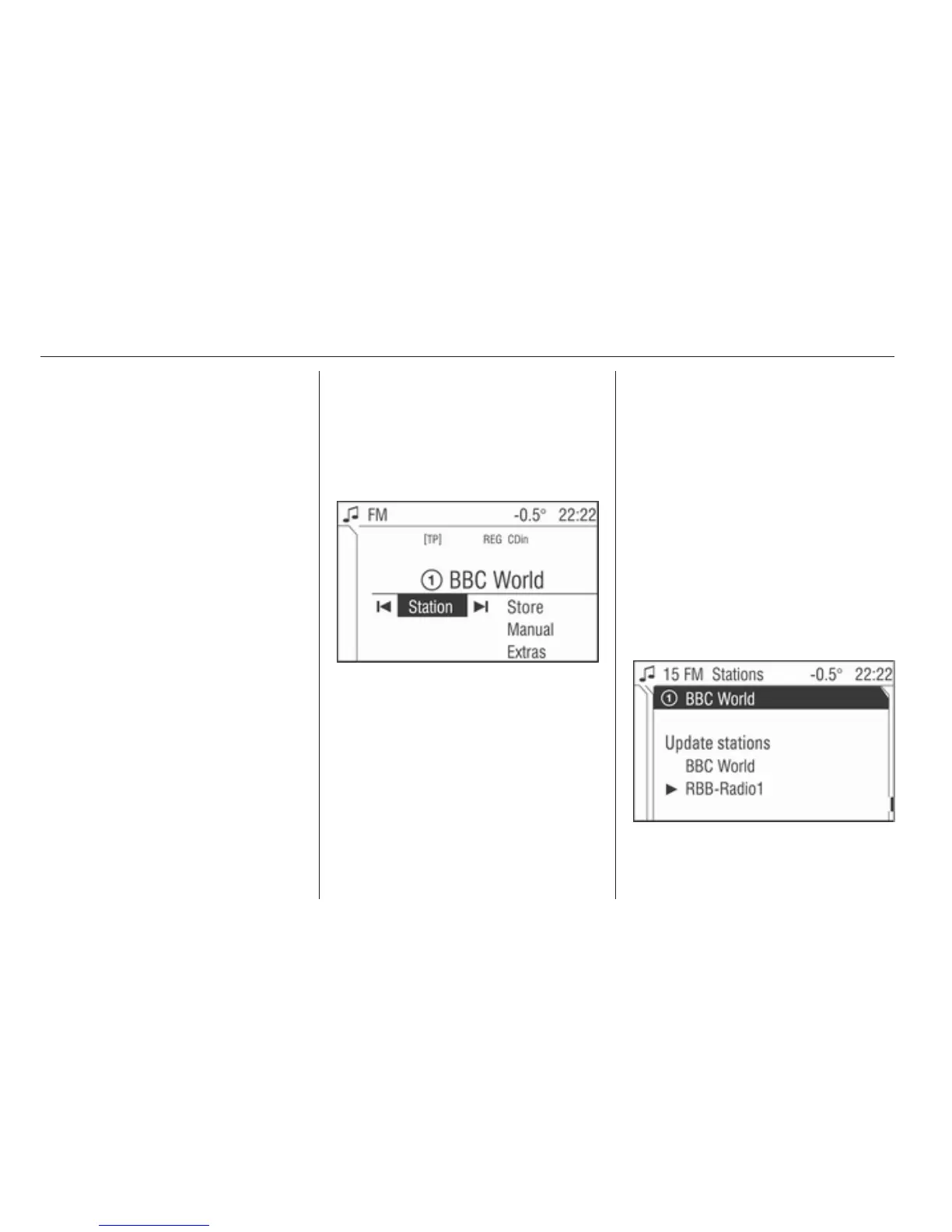
Starting in the radio menu proceed as
follows to access the Station menu:
Select menu item Station.








 To Next Page