32 CD Player
Select the _ or 6 menu item in the
CD menu.
Fast forward or rewind
Hold down the rocker switch m or
n for more than 1 second,
or:
select the __ or 66 menu item in the
CD menu.
Fast forward/rewind takes place.
During fast forward/rewind the track is
played at a higher speed and reduced
volume.
To stop the fast search using the
menu, select the __ or 66 menu item
again.
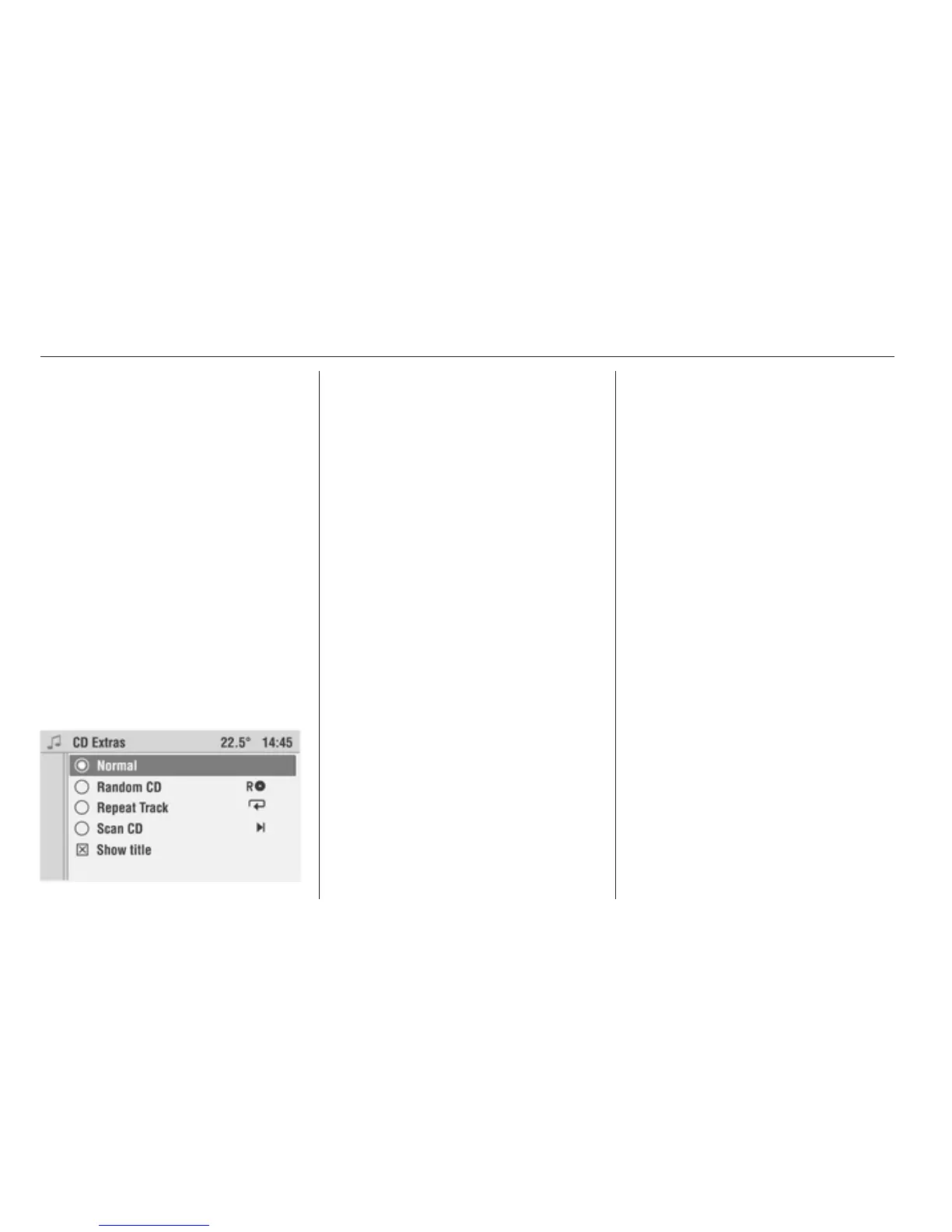
CD Extras
Various further functions for CD/MP3
playback can be set using the CD
Extras menu.
Select the Extras menu item in the
CD menu.
The following functions can be
selected:
Normal
CD/MP3 tracks are played in their
normal sequence.
All tracks on an MP3 CD are sorted
and played in alphabetical and
numerical order in this mode.
Random CD
The tracks are played in random
sequence.
The g symbol appears in the
display.
To exit the random function, select
Normal from the CD Extras menu.
Random Album
The MP3 tracks in the current album
(directory) are played in random
order.
This function is available only with an
MP3 CD.
The tracks on the album selected are
played back in random order.
The g symbol appears in the
display.
To exit the random function, select
Normal from the CD Extras menu.
Repeat track
The current CD/MP3 track is repeated
until you select a different mode.
The i symbol appears in the
display.
To exit the repeat function, activate
Normal in the CD Extras menu,
or:
Press and hold the rocker switch c.
You can also switch the repeat
function on and off by pressing and
holding the rocker switch c.
Scan CD
All tracks on the CD are played briefly.
The 6 symbol appears in the
display.








 To Next Page