92 Radio
The 9 best receivable stations in the
selected waveband are stored to
memory slots 1 to 9.
After the stations have been stored,
the desired station can be selected by
pressing the appropriate station
button or in the station menu 3 88.
RDS is switched on automatically
when automatic storing is enabled.
First, all receivable RDS stations are
stored.
If on standby for traffic announcement
is switched on prior to or during
automatic storing, the radio will select
a memory slot with a traffic
announcement station on completion
of the automatic station search.
If on standby for traffic announcement
is switched on during automatic
storing, then the automatic station
search will remain active until at least
one traffic programme is found.
Switching between AS and
normal mode
Switching to AS mode
If the Autostore menu item is not
available in the radio menu, proceed
as follows:
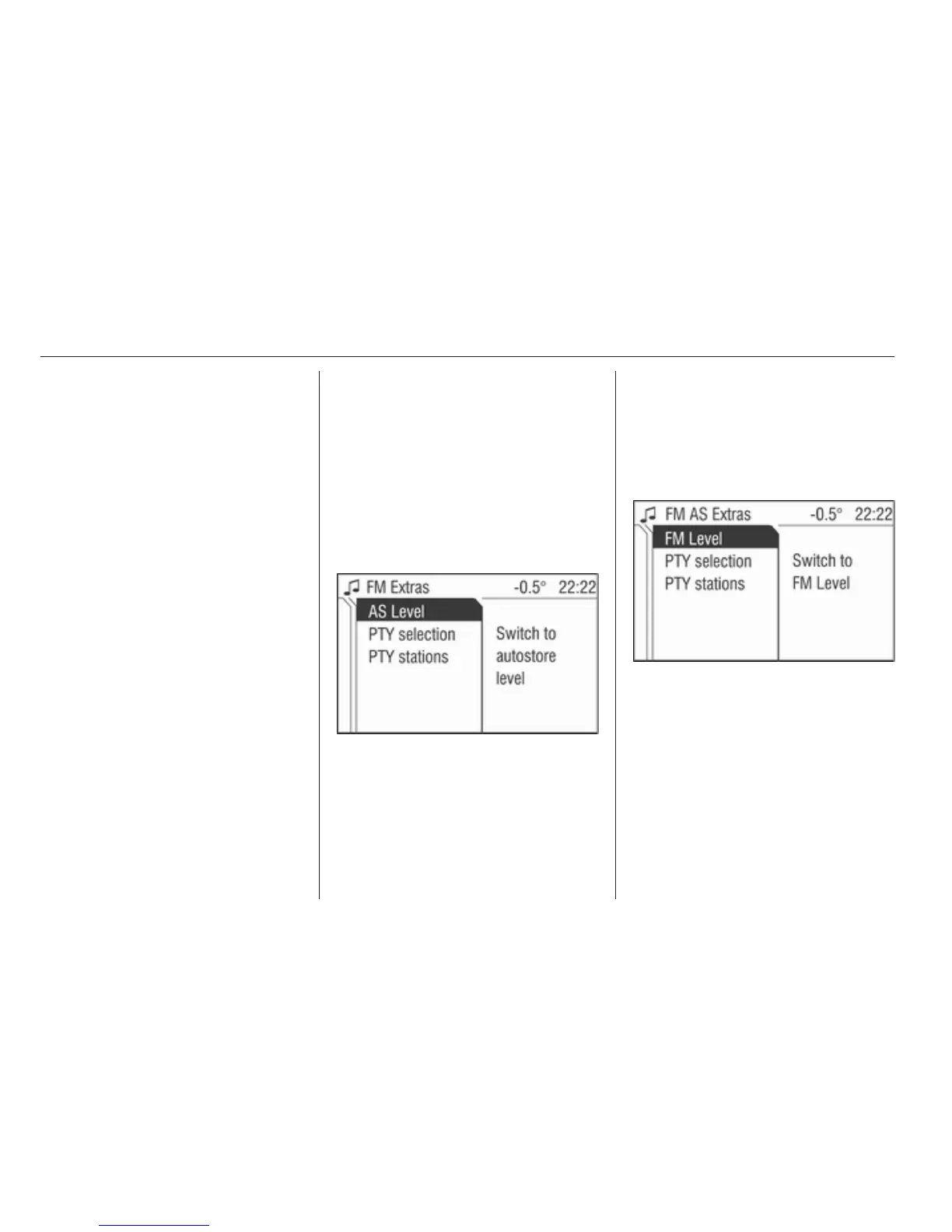
Select menu item Extras.
The corresponding waveband
specific Extras menu is displayed.
Select menu item AS level.
The radio switches to the AS mode of
the selected waveband.
The radio menu appears on the
display, the menu item Autostore is
listed there.
Switching to normal mode
If the Autostore menu item is listed in
the radio menu, proceed as follows:
Select menu item Extras.
The corresponding waveband
specific Extras menu is displayed.
Select menu item FM level, AM level
or DAB Level (if available).
The radio switches to the normal
mode for the selected waveband.
The radio menu appears on the
display, the menu item Store is listed
there.
Storing new stations with AS
If you drive out of the reception area
of a stored station, new stations need
to be stored.








 To Next Page