Installation
NETWORK REQUIREMENTS
An Ethernet connection with DHCP must be used to connect the ACU to the Local
Area Network (LAN). You also need to configure firewall settings to communicate with
the Openpath system. Openpath uses the following outbound ports:
● TCP port 443
● UDP port 123
Note: If using an external DNS server, outbound UDP port 53 must also be open.
To support Wi-Fi unlocking from the mobile app, the ACU’s inbound TCP port 443
must be available from within the LAN. Inbound port forwarding on the router, firewall,
or NAT device is not required.
SELECTING A BACKUP BATTERY
While not required, Openpath recommends having a backup battery in case of
power outages. The size of battery depends on your setup and how long you want to
power the system.
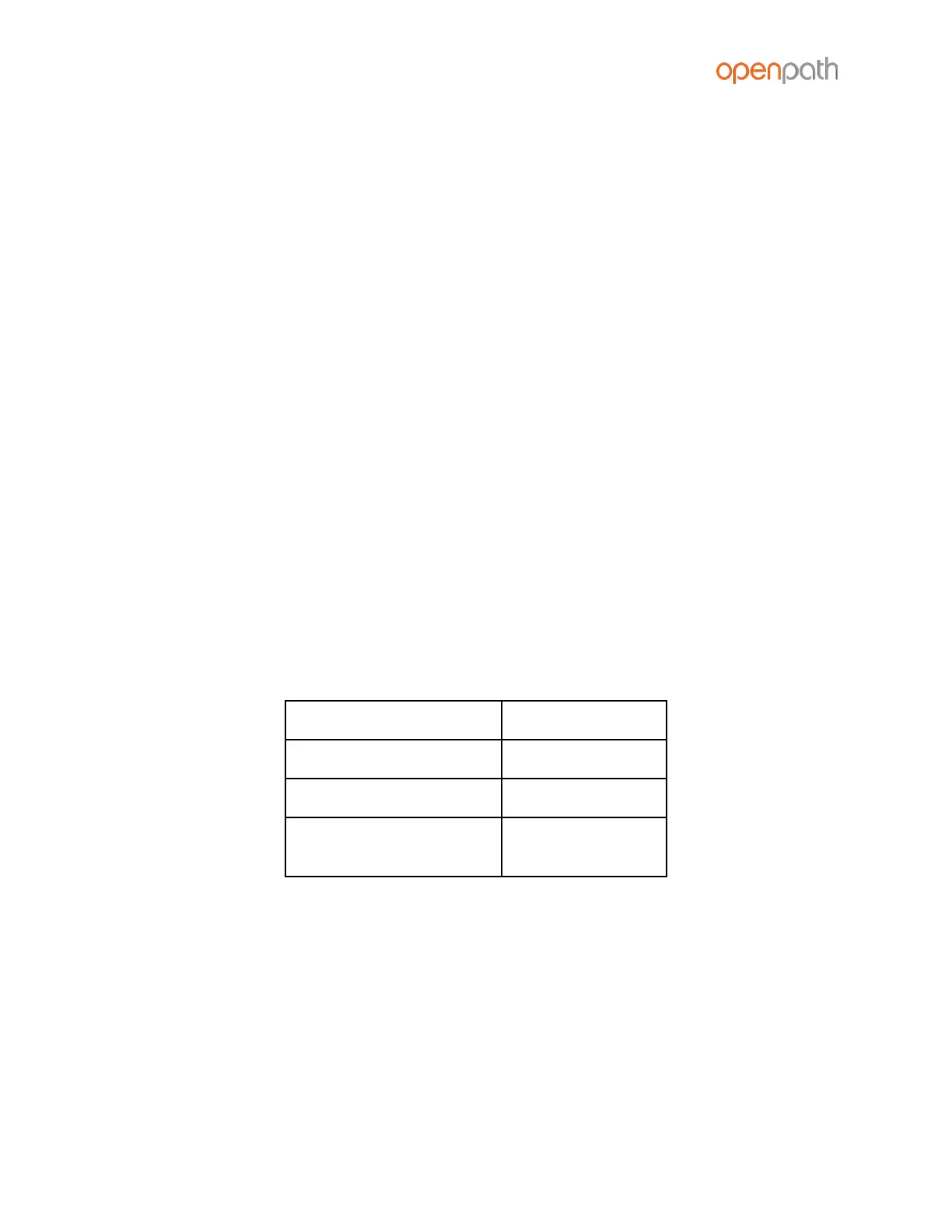
Table 1: Power requirements for Core Series Smart Hubs (24V)
Locking hardware
(while engaged)
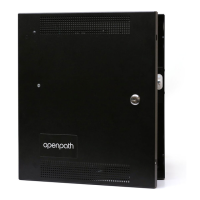
Assuming a 24V power supply, a Core Series Smart Hub configured with four
Openpath Readers and locking hardware uses about 2 Amps. To keep the system
running for 3 hours with all entries engaged, you need 2A x 3 hours = 6AH, so two 12V
6AH sealed lead acid (SLA) or gel cell batteries wired in series.



 To Next Page