BASIC OPERATIONS
29
Zooming the Displayed Frame
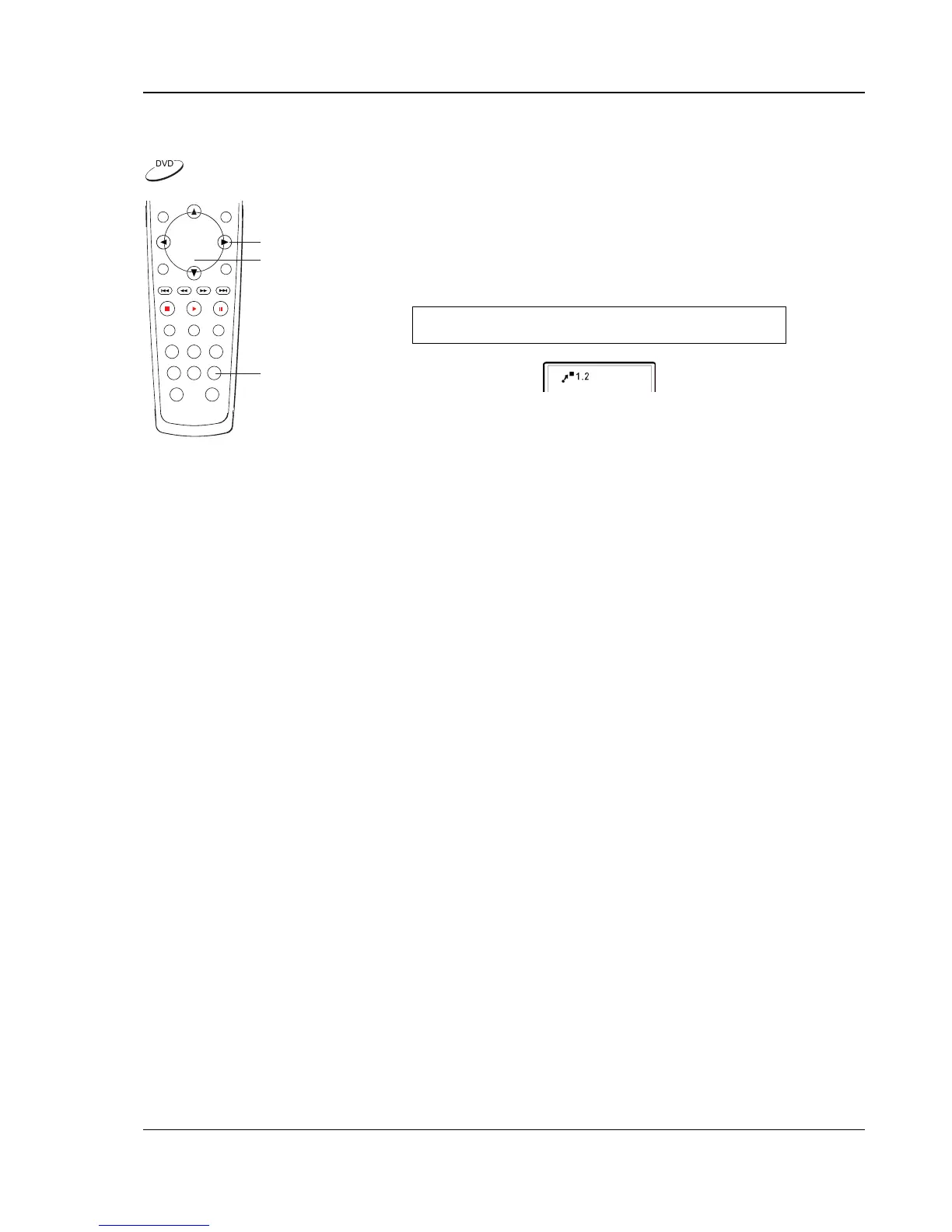
ZOOM
ARROW
SELECT
The feature zooms in or out the displayed frame.
1. To change the zoom ratio, press the ZOOM button on the remote
control. Each press of the ZOOM button will switch the zoom ratio
in the following sequence:
1.0 (No zooming) Æ 1.2 Æ 1.3 Æ 1.5 Æ 2 Æ 2.5
Æ3 Æ 3.5 Æ 4 Æ ½ Æ ⅓ Æ ¼ Æ Back to 1.0 again
2. When the frame is magnified, press the ARROW buttons to move
the visible area in the frame (Panning).


 To Next Page