SETUP MENU OPTIONS
45
0.0dB
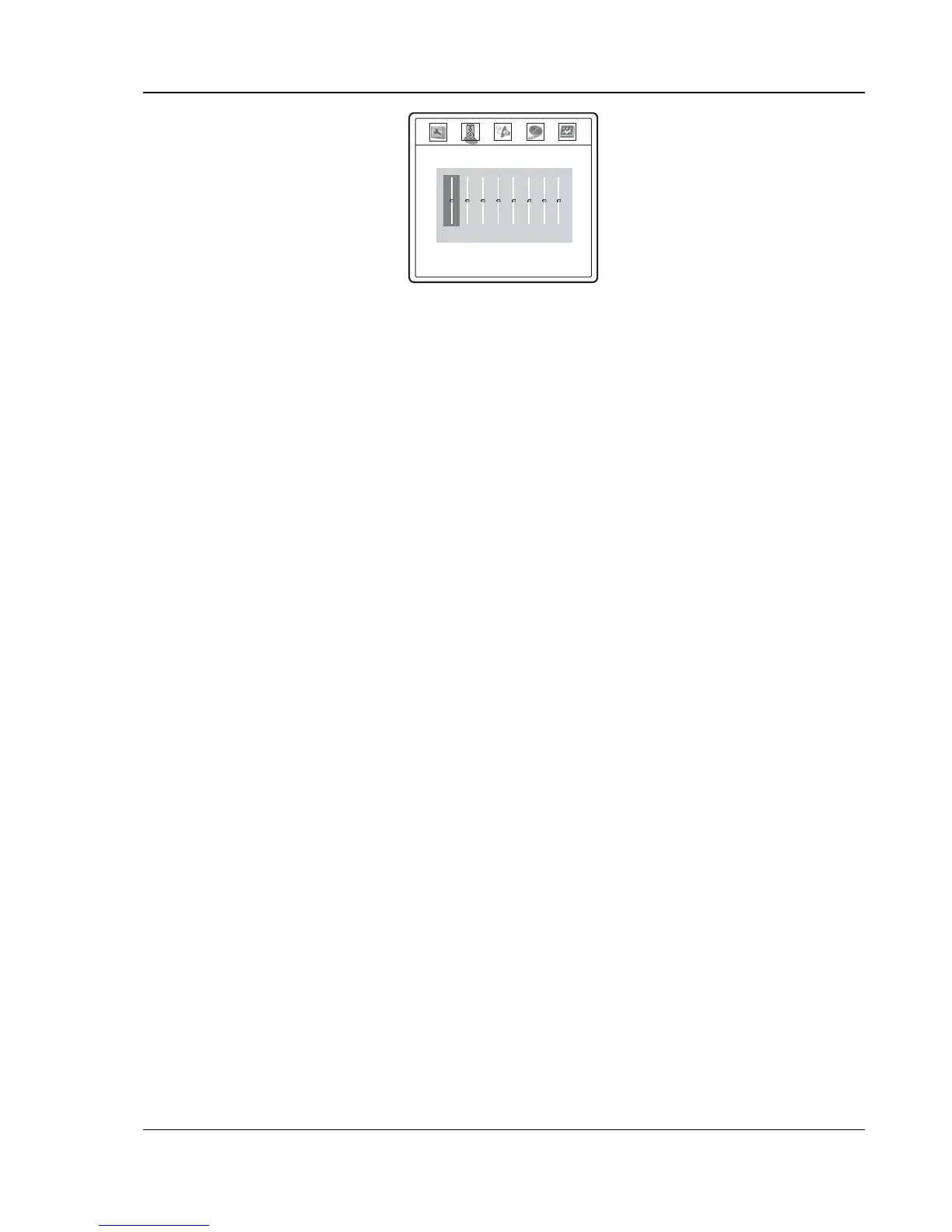
• Press the left/right ARROW buttons to select the channel to be adjusted.
• Press the up/down ARROW buttons to raise or lower the volume of the selected channel in
0.5dB increments.
• Press the SELECT button to confirm the settings and return to the Audio Setup Page.
Channel trim is generally not required since most A/V receivers have the capability to adjust
channel trim and compensate for speaker sensitivity differences. However if your receiver does
not have such functions, you may adjust channel trim on the DVD player. For most accurate
results, it is recommended that you use test tones from a calibration disc, such as AVIA Guide
to Home Theater, and a SPL (Sound Pressure Level) meter.
9. Audio Delay: To add delay to analog or PCM digital audio output. If you experience
audio/video synchronization problem, you may use this option to add a slight delay to the audio
so it is synchronized to the video.
• Press the left/right ARROW buttons to adjust delay. The audio delay can be adjusted in
10ms steps.
• Audio delay does not apply to raw bit stream digital audio output.


 To Next Page