SETUP MENU OPTIONS
52
• Press the up/down ARROW buttons to select the rating to allow (G/PG/PG
13/PGR/R/NC17/ADULT). The selected rating and below will be allowed, and any rating
above the selected will be blocked.
• Press the SELECT button to confirm the selection. You will be asked for the parental
control password. Enter the password (default password: 7890) and press the SELECT
button.
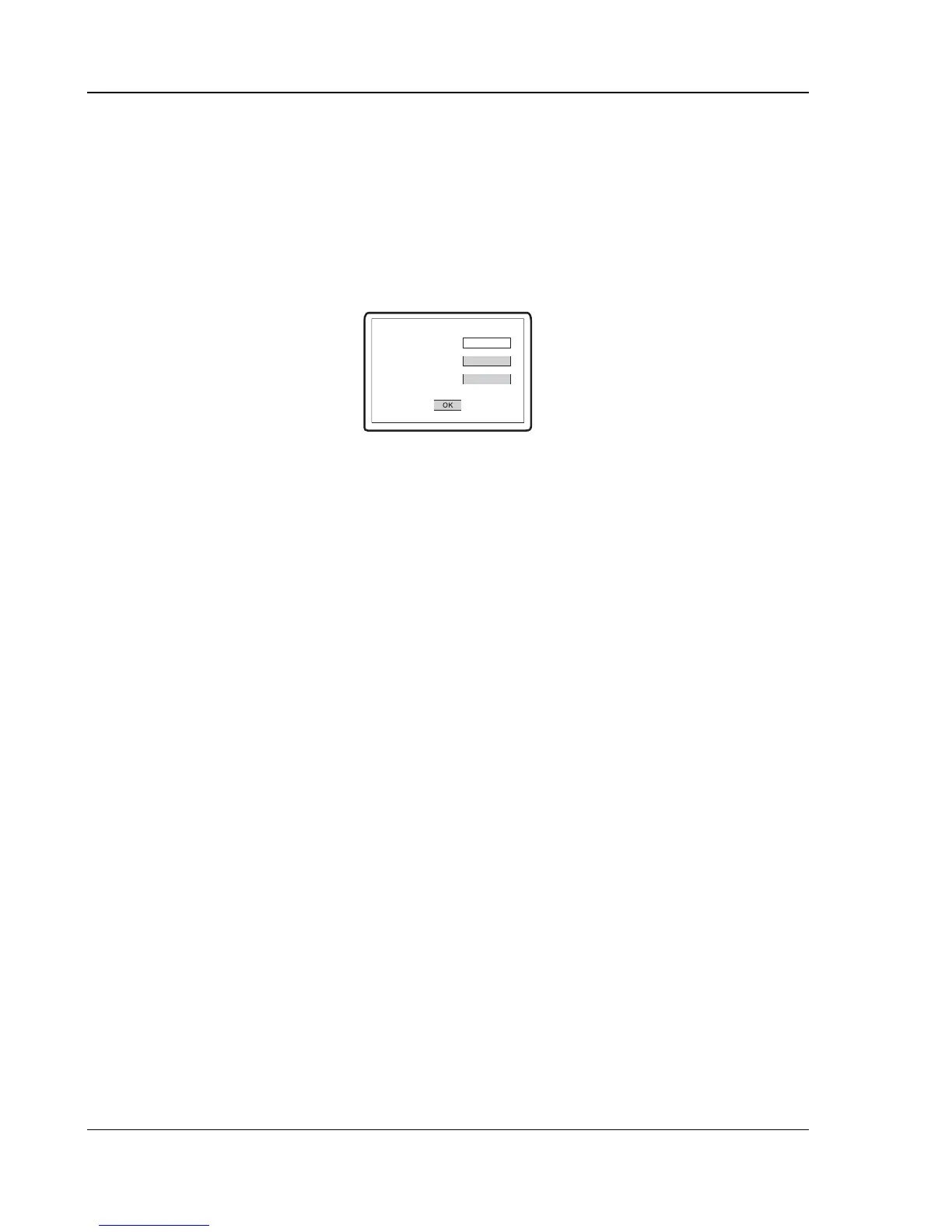
7. Password: To set parental control password. To change the password, enter the old password
(default: 7890) and then enter a 4-digit number as the new password. Enter the new password
again to confirm, and then press the SELECT button.
Old Password
New Password
Confirm Password
8. Default: To reset all settings to the factory default value. The parental control password will not
be reset.


 To Next Page