Optelec ClearView Speech
18 English
3.8.2.4 Column Filter
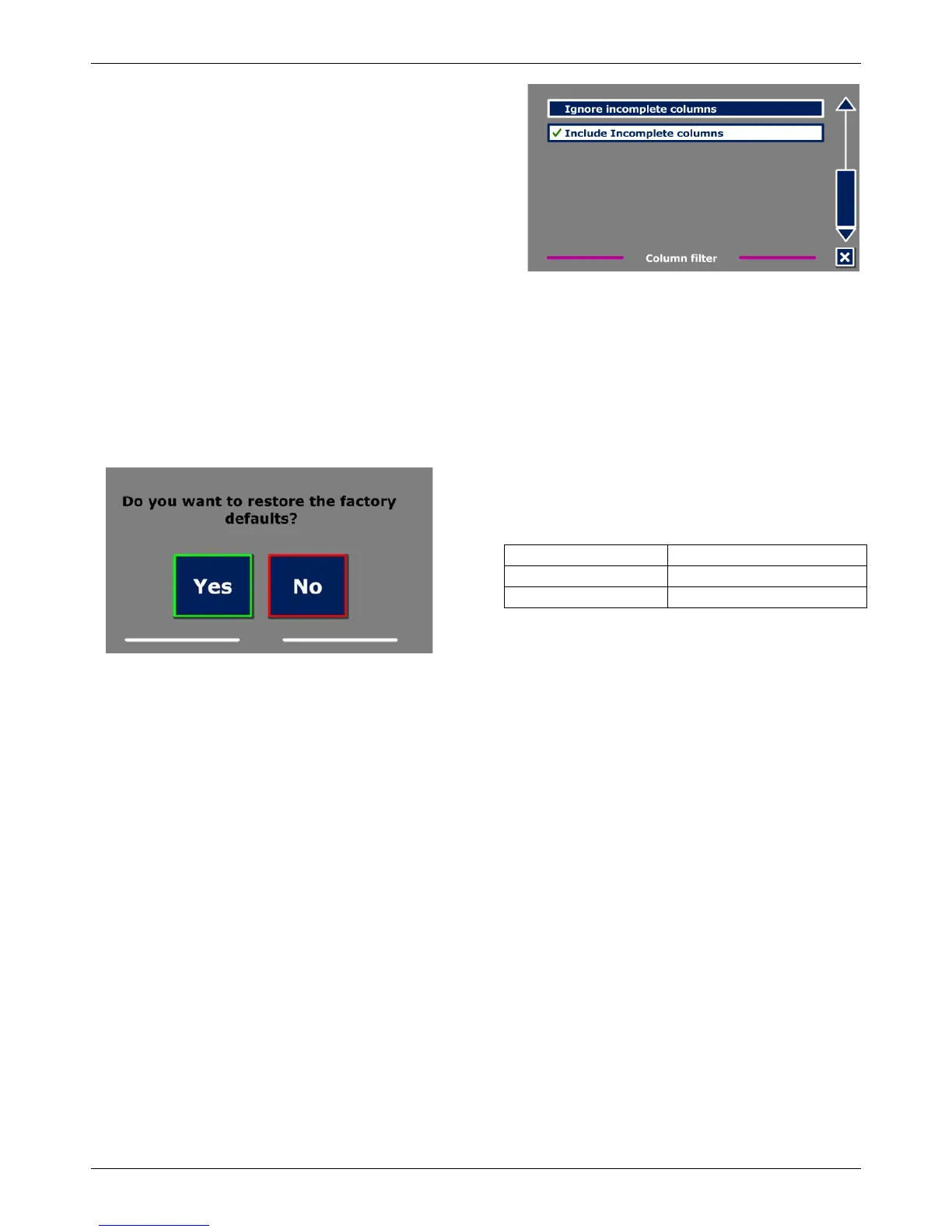
This option contains two settings:
- Ignore incomplete columns
- Include incomplete columns.
When “Ignore incomplete columns” is enabled, the
OCR algorithms will try to detect if text columns are
cut off at the left or right margin of the picture.
Disabling the filter will include partial columns and will
read all detected text on the page. The “Ignore
incomplete columns” is the recommended and default setting, offering the most comprehensive
text recognition. The “Include incomplete columns” will try to detect all text on the page, but may
result in incomprehensive text at the beginning or end of the document.
3.8.3 Restore defaults
If you wish to restore the default settings, select this button. You will be prompted if you are sure to
restore the defaults. To restore the defaults select “Yes”. To cancel restoring the defaults, select
“No”.
Default settings
3.8.4 About
The About screen shows the versoin of the Application interface, camera interface, OCR interface
and the mains frequency.















 To Next Page