Opti-Sciences, Inc. CCM-200 plus operator's manual
Note: If the Multi-point std dev option is chosen then the system will only allow averaging of
between 10 and 30 points.
Press Exit go back to the test menu.
Press measure to start taking measurements, or if needed, calibrate the unit.
Place the sample under the measuring head and hold it closed until you hear a beep.
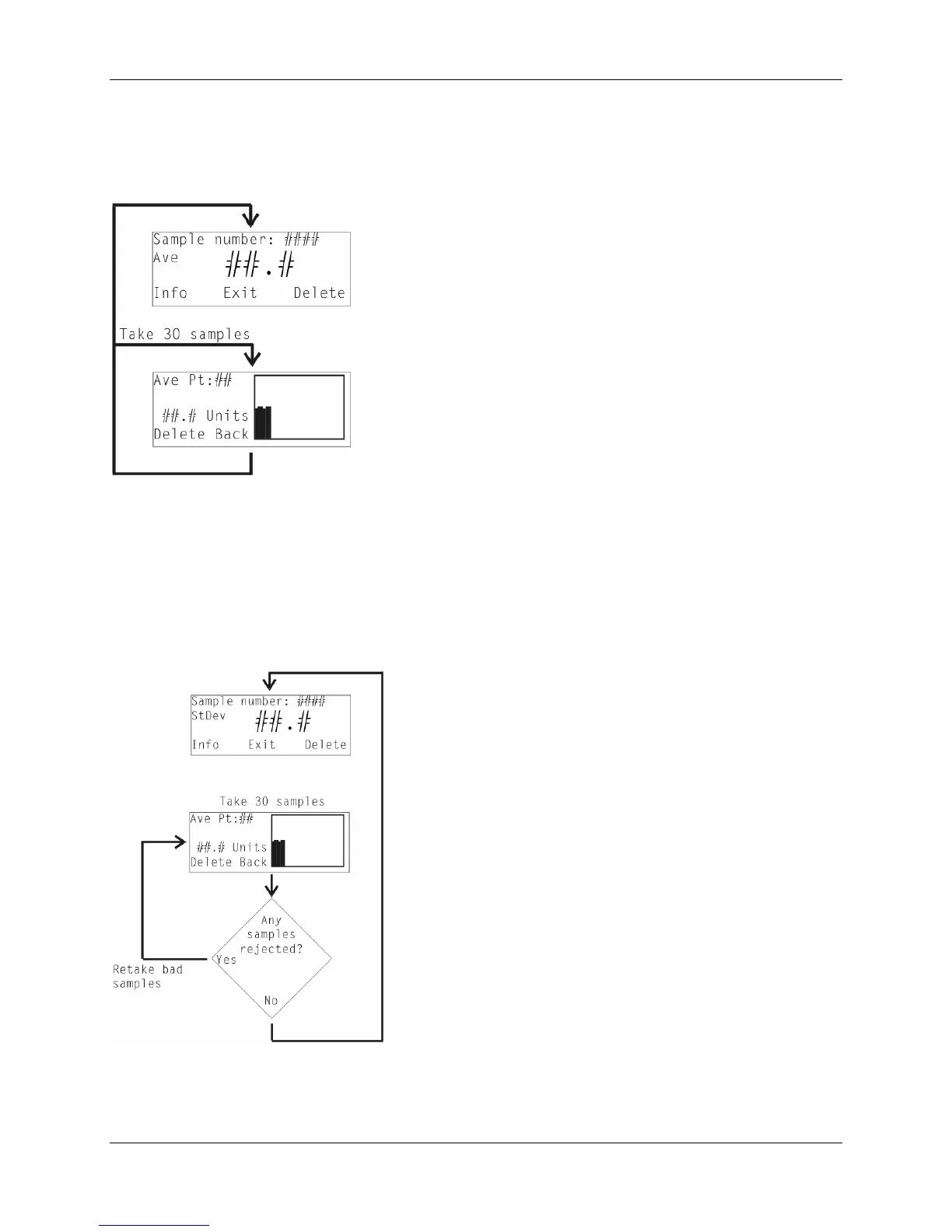
When using the one of the multi-point averaging modes, a measurement bar will appear on a
graph for each measuring point. The number of measurements made, and last CCM measurement
are also displayed.
When finished, the average of the Multi-point measurements is displayed. All measuring points
are stored in the data file along with the calculated average.
The graphs may be reproduced in most spreadsheet programs if desired.
11



 To Next Page