EasyManua.ls Logo

opti-sciences OS1p - User Manual

opti-sciences OS1p
175 pages
Print Icon
To Next Page IconTo Next Page
Loading...
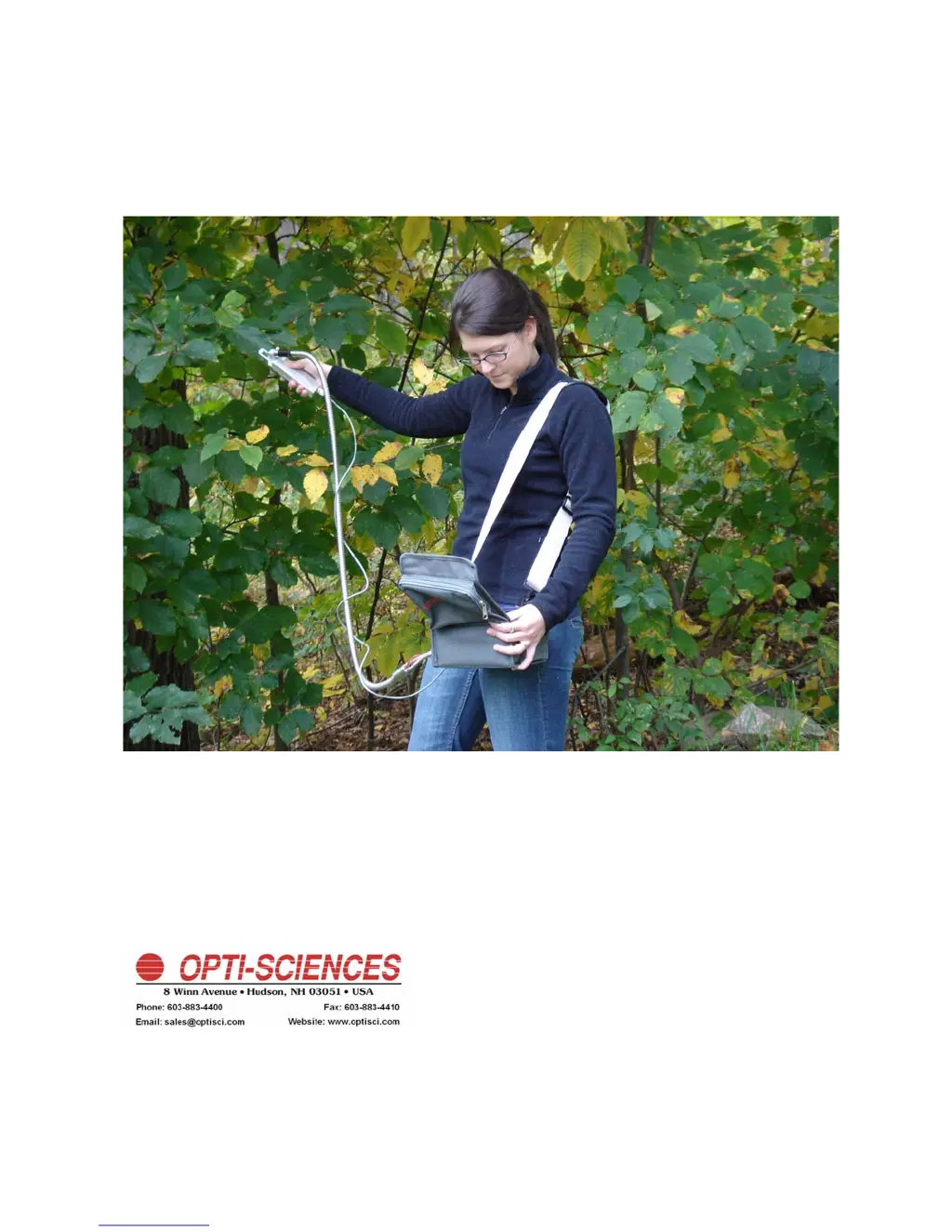
OS1p User’s Guide
(Preliminary Advanced Version with RLCs for Algae and Higher Plants)
The New Standard in Portable
Chlorophyll Fluorometers
OS1p040111Advanced

Table of Contents

Questions and Answers

  • R
    Rodney ScottAug 2, 2025
    Why does the remote trigger not initiate a test on my opti-sciences Measuring Instruments?
    • M
      martinbrianAug 2, 2025
      The remote trigger might fail to initiate a test for several reasons: * The remote trigger wire may not be correctly plugged in; check the connections. * The OS5p might not be in the correct test mode. Ensure that a cursor is not blinking in the test mode box. If it is, press the test mode key to enter the test mode. * The fluorescence signal could be too low; in this case, raise the modulation intensity.
  • I
    ijonesAug 6, 2025
    What to do if my opti-sciences OS1p Measuring Instruments unit will not turn on?
    • B
      bruce48Aug 6, 2025
      If your unit isn't turning on, the most likely cause is a dead battery. Try charging the battery or using AC power.
  • C
    caleb98Aug 11, 2025
    What to do if saturation light does not trigger on opti-sciences OS1p?
    • W
      willietaylorAug 12, 2025
      If the saturation light isn't triggering, it could be due to a low fluorescence signal (Ft). Try increasing the modulation intensity. If the display also blanks, you should contact factory.
  • K
    Kyle WardAug 17, 2025
    Why does my opti-sciences OS1p unit reset when I run a test?
    • K
      Karen HernandezAug 17, 2025
      If your unit resets during a test, it could be due to the battery not being sufficiently charged. Try charging the battery. Alternatively, the battery may be weak and require replacement; in this case, contact factory.
  • M
    mary05Aug 22, 2025
    What to do if battery does not charge in opti-sciences Measuring Instruments?
    • R
      Rose GriffinAug 22, 2025
      If the battery isn't charging, there are a few potential causes: 1. The charger connector might be loose; check the connections. 2. The charger itself could be defective; try replacing it. 3. The battery might be dead, if that is the case, contact factory.
  • N
    Natasha MartinAug 27, 2025
    Why does the display dim during a test on my opti-sciences OS1p?
    • L
      Louis MarshallAug 27, 2025
      If the display dims or changes contrast during a test, it's likely due to a low battery. Try charging the battery, or contact factory.

Summary

Chapter 2: The OS1 p

Key Features of the OS1 p

Details the main features and capabilities of the OS1p fluorometer.

Chapter 3: Operating the OS1 p

Fv;Fm Protocol

Detailed instructions for performing the dark-adapted Fv/Fm test.

Y(II) Protocol: Quantum Photosynthetic Yield

Explanation of the light-adapted Y(II) measurement.

Quenching Protocol: Hendrickson-Klughammer

Details on the Hendrickson-Klughammer lake model quenching protocol.

Rapid Light Curves (RLC)

Overview and methodology for performing Rapid Light Curves.

Chapter 4: OS5 p Data Management

USB Data Transfer

Procedures for transferring data from the OS1p to a PC via USB.

Appendix A: Maintenance

Troubleshooting Power Problems

Guidance on resolving issues related to the battery, charger, or circuit breaker.

Troubleshooting Tables

Tables listing symptoms, probable causes, and cures for common issues.

Appendix B: PAR Clip

opti-sciences OS1p Specifications

General IconGeneral
Light SourceLED
DetectorPIN photodiode
DisplayLCD
Power Supply2 AA batteries
Operating Temperature0 to 50°C
Storage Temperature-20°C to 60°C

Related product manuals