94
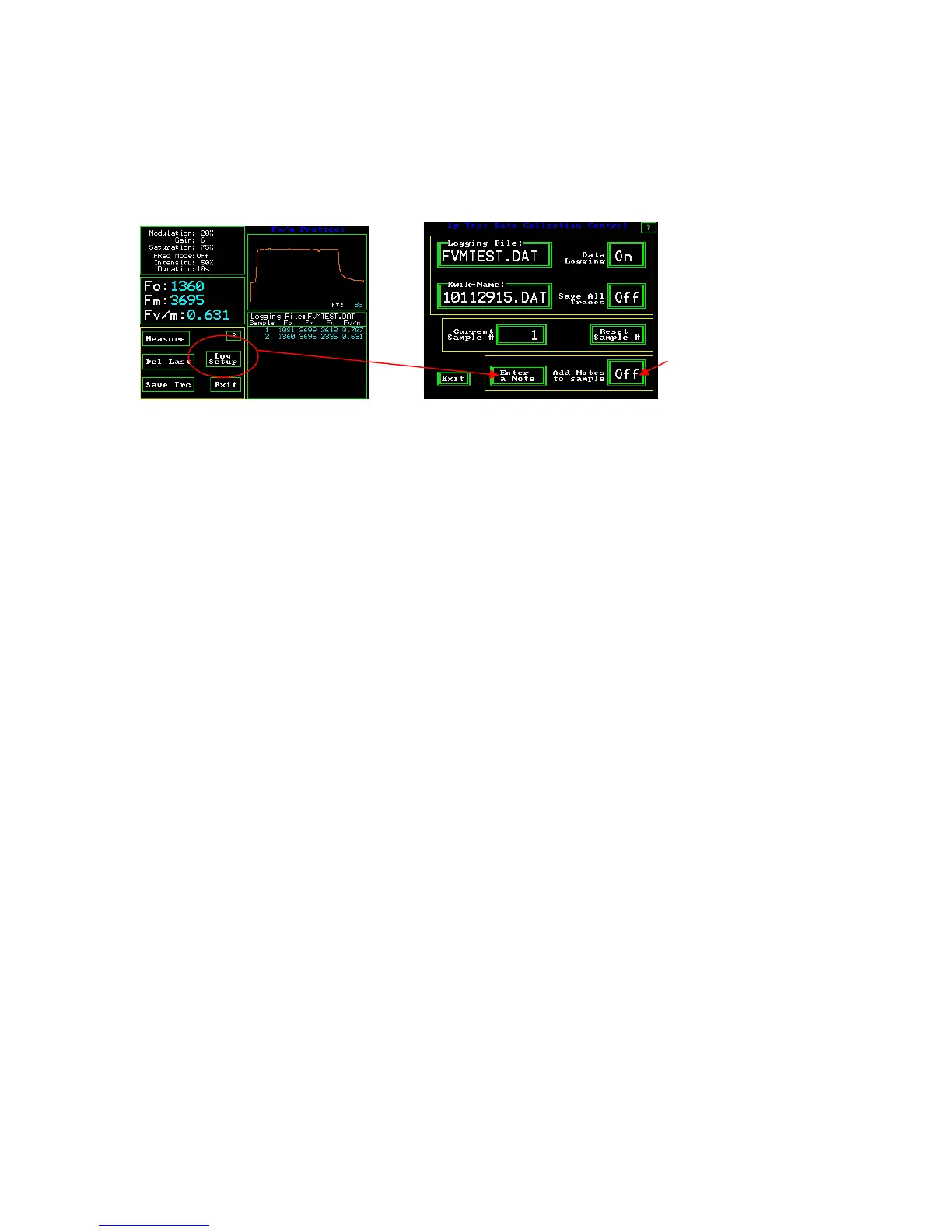
Entering a note with a measurement
Y(II) Measuring Screen 1p Test Data Collection Control
It is now possible to enter a note with any measurement, or to require a note with every
measurement. To enter a note, press the “Log Setup”: button. Next, press “Enter a Note”.
A touch keyboard will appear, and one can enter up to a 38 characters note with each
measurement.
To require the note screen to appear with each measurement, press the ‘Add Notes to
sample’ button and turn the feature "On". The keyboard screen will appear after the
measurement is complete. If the occasional note is needed, turn the feature off by
touching the “Add Notes to sample” button until it reads "Off".



 To Next Page