143
Help screen
Y(II) Measuring Screen
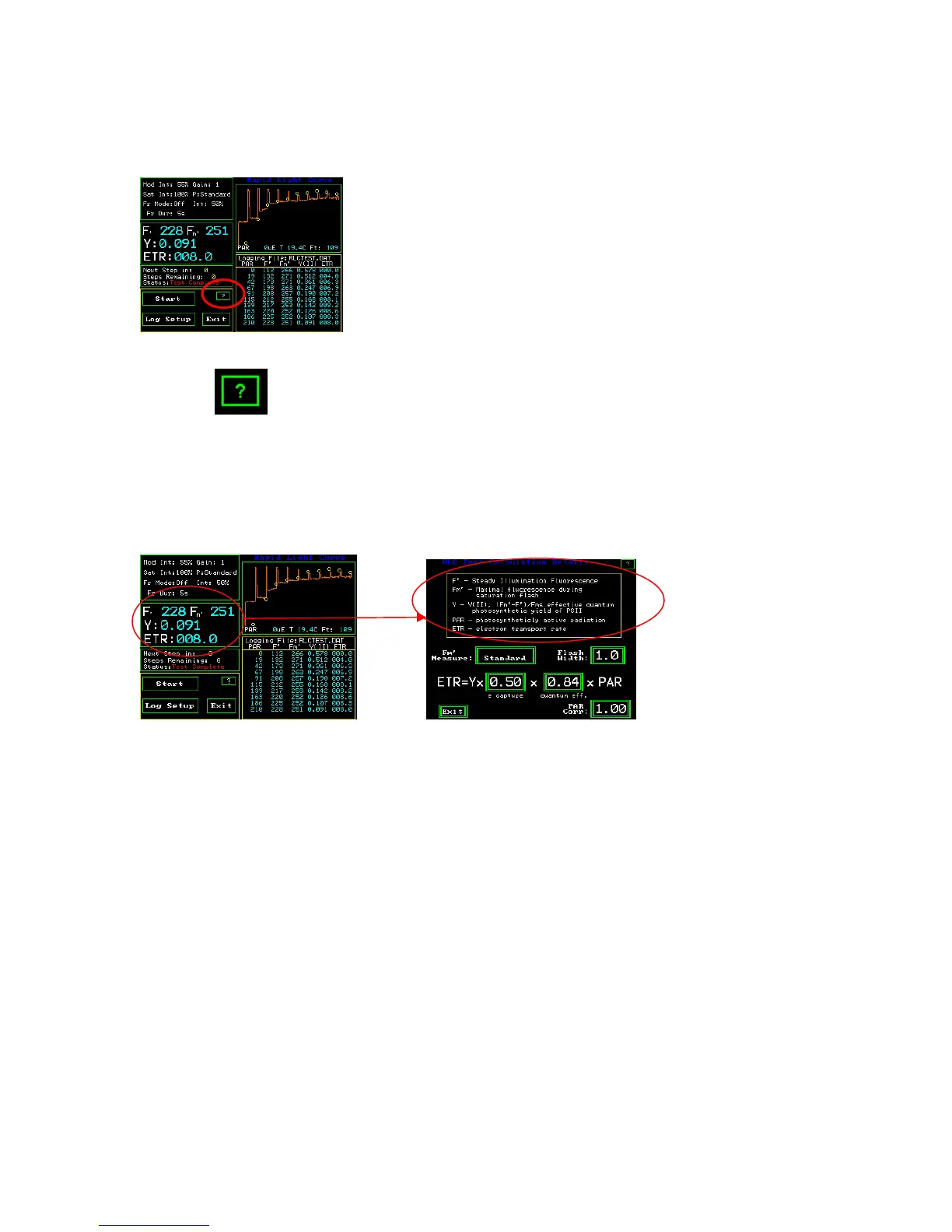
The Question mark button is a help screen that provides basic instructions for the screen
shown. It also allows one to capture the existing screen image in memory for later
retrieval on a PC.
Basic definitions of Parameters may be viewed by touching the window shown below
in the left hand picture. Of the RLC measuring screen.
RLC Measuring Screen RLC ETR Calculation Details Screen
Error messages common to the test modes:
There are several common errors that can occur in the test modes.
If the battery voltage is 10.5 or less, the warning message “!! Battery Low !!” will appear
and a long beep will be sounded.
If the amount of in-band IR radiation is above set limits thereby saturating the pre-
detector the error message “!! IR to High !!” will be displayed.
“Fluorescent signal too low” appears if there is not enough signal getting to the detector.
This may be due to the fiber optic being too far from the sample, the intensity of the
modulated source being too low or the gain control is set too low.
“FL > 3600 pos det pin out” appears if the combination of the modulated light intensity
and modulated light gain are set too high. To fix the problem go to Auto Gain on the
setup screen, put a leaf in the PAR Clip, and press Auto Gain. The modulation intensity
will adjust automatically.



 To Next Page