126
Running the RLC Test
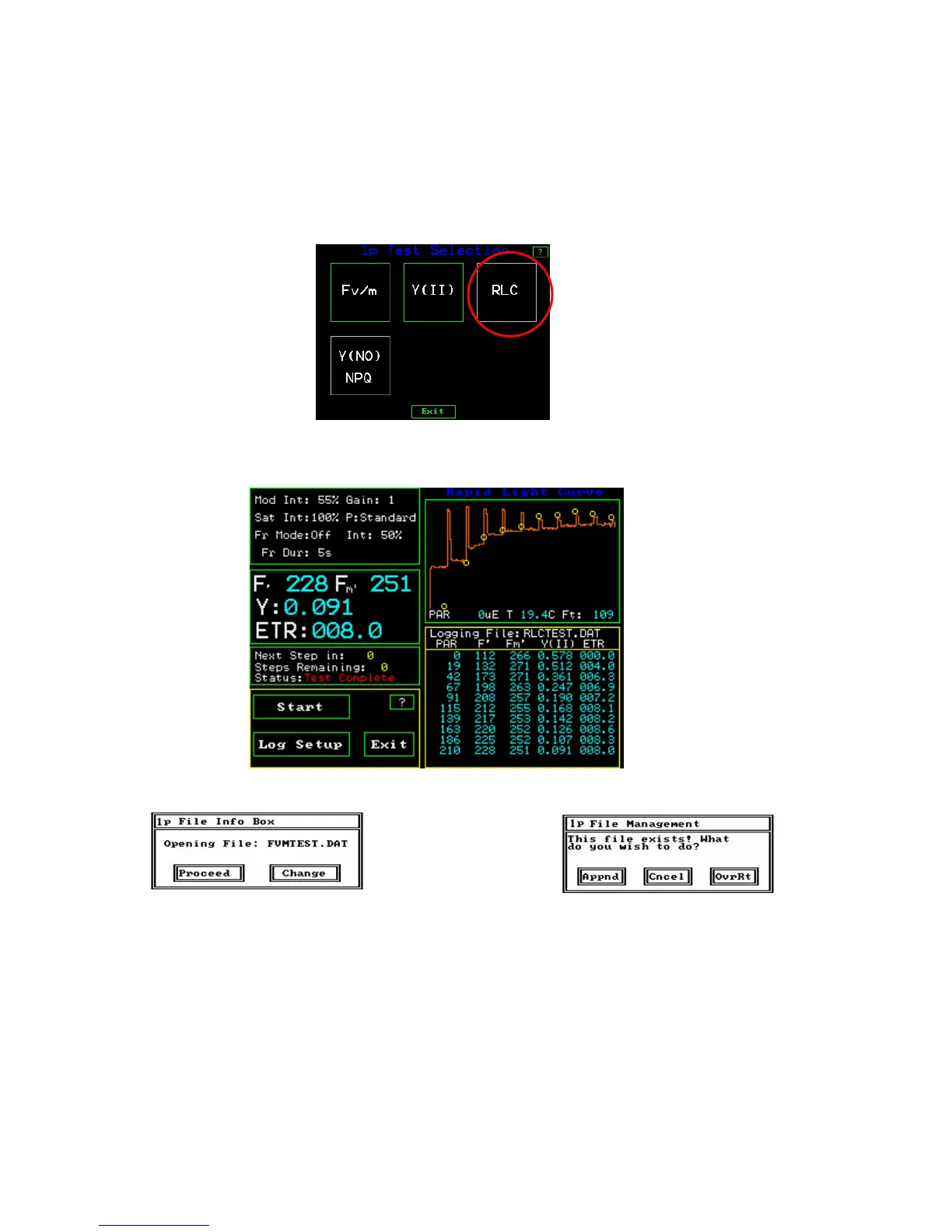
From the main screen select Test Menu by pressing the touch screen. The Test Selector
screen will appear. Press the “RCL” button.
The “RLC” measuring screen will appear
RLC Measuring Screen
small screen second small screen
As with the Fv/Fm test, the last file used for this type of measurement will open up, and a
small screen will appear within the larger screen. It will show the file name and ask if the
if one wants to “Proceed” to measuring with this file, and the parameters that have been
set. The other option is to create a new file with “Change”.
When “Proceed” is pressed, a second small window appears with three choices. “Appnd”
adds measurements to the existing file, “Cncel” brings one back to the main menu, and
“OvrRt” will overwrite the previous measuring file with existing measuring parameter
settings.



 To Next Page