54
Physical Features Panel Photographs
Top Panel:
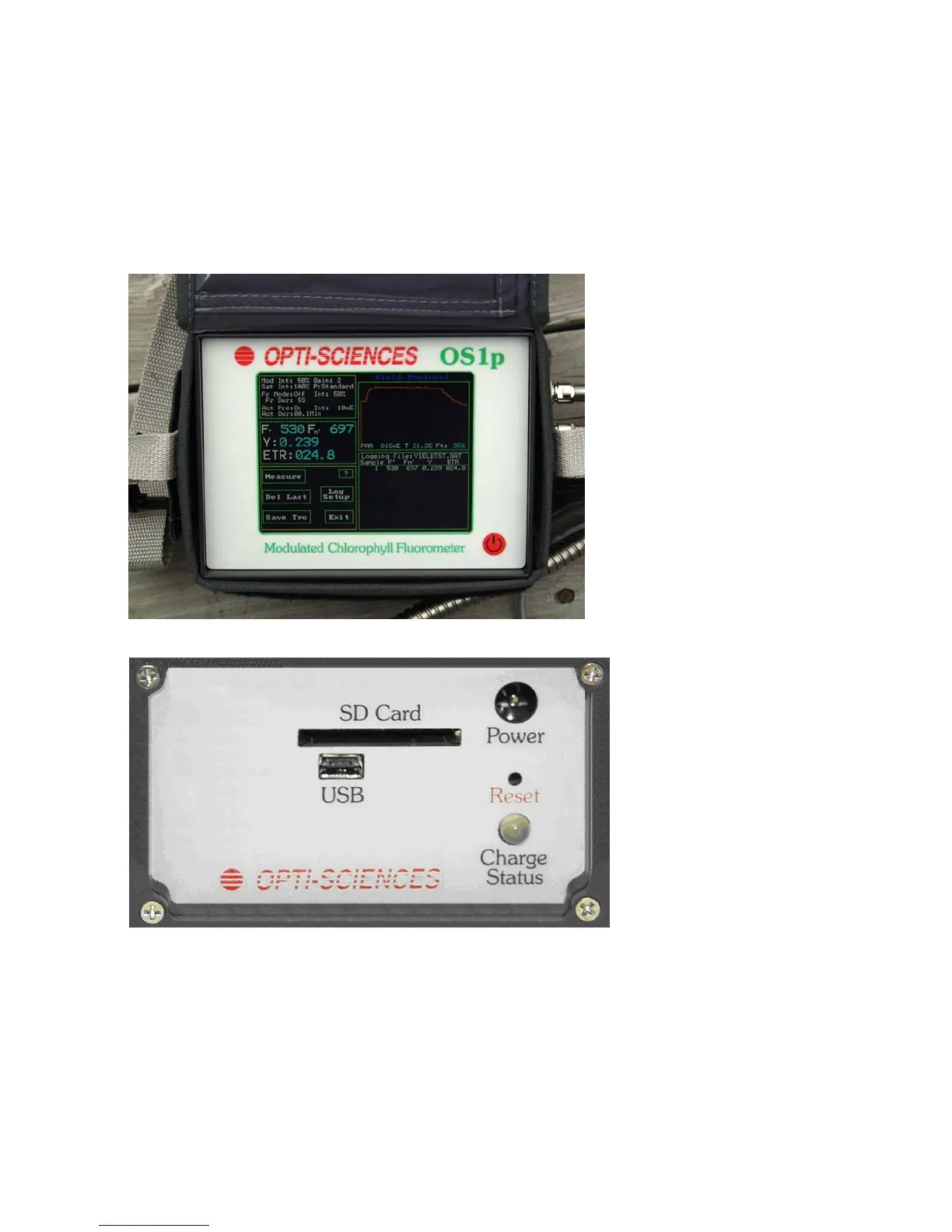
Figure 2-1 • Front Panel of OS1p
Left Side Panel:
Figure 2-2 • OS1p left side panel
SD Card Slot – used for MMC/SD format data cards up to one GByte. The port can bee used
for data transfer to other computers or other OS5p fluorometers and it can be used for
software updates.
USB port –used for data output
Front Panel of OS1p
Touch screen showing
Y(II) measuring
screen.
The Red round button
is for OFF and ON
Main Menu
Vertical Arrow



 To Next Page