84
Copy presets parameters into measuring file – Insert the SD data card into the
SD card port on the OS1p, and press copy while the 1p Configuration Loader screen in
open. Presets can be stored on the SD card for future use or transferred to a PC. A preset
is different than a measuring file. A Measuring file, or Data file, contains presets, data
and saved traces. A preset file only contain parameter presets and no data. To store the
preset in a new measuring file, load the preset from the configuration loader screen or
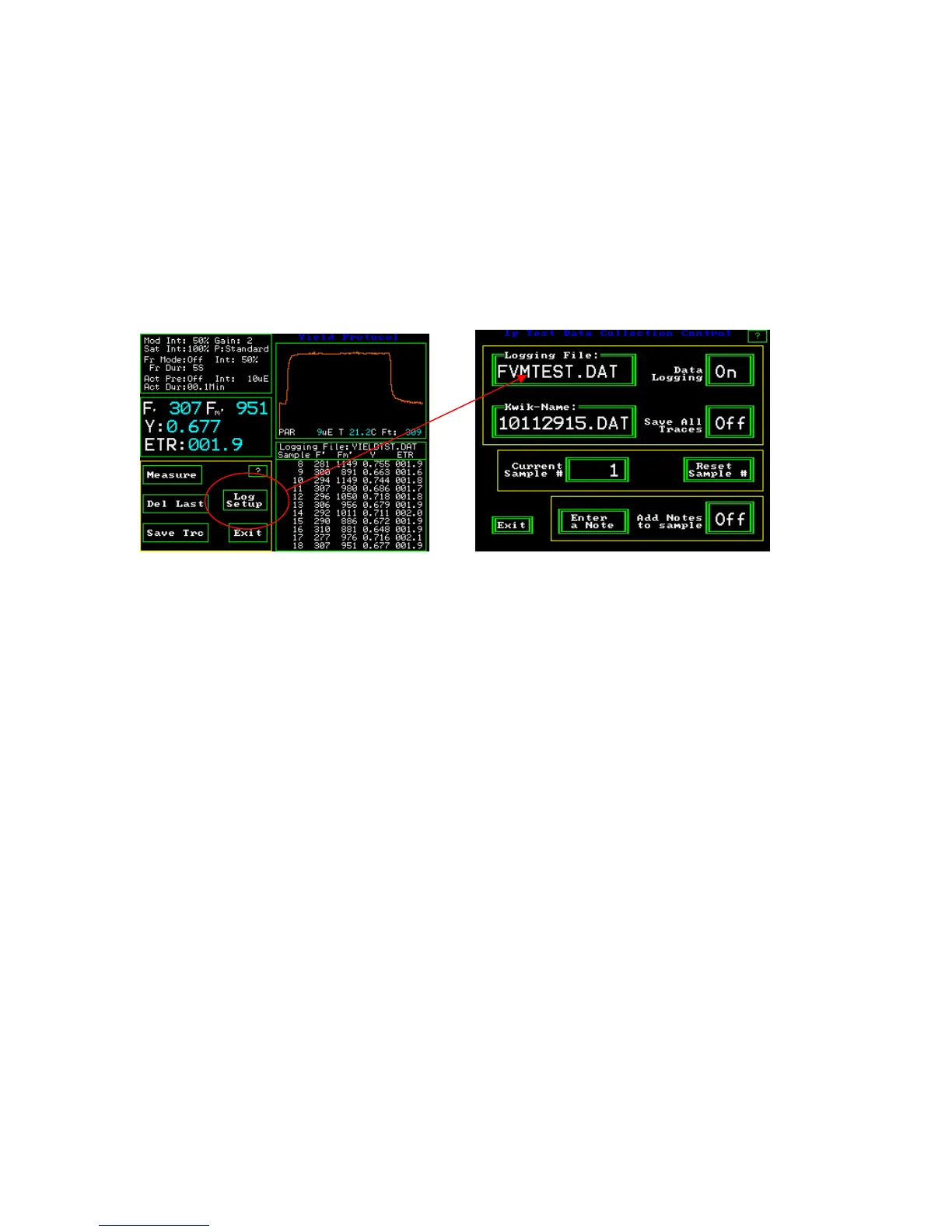
create the “Preset”. Press “log setup” from the main measuring screen and change the
“logging file name”. The presets will be logged to the new file name.
Y(II) Measuring Screen 1p Test Data Collection Control Screen



 To Next Page