149
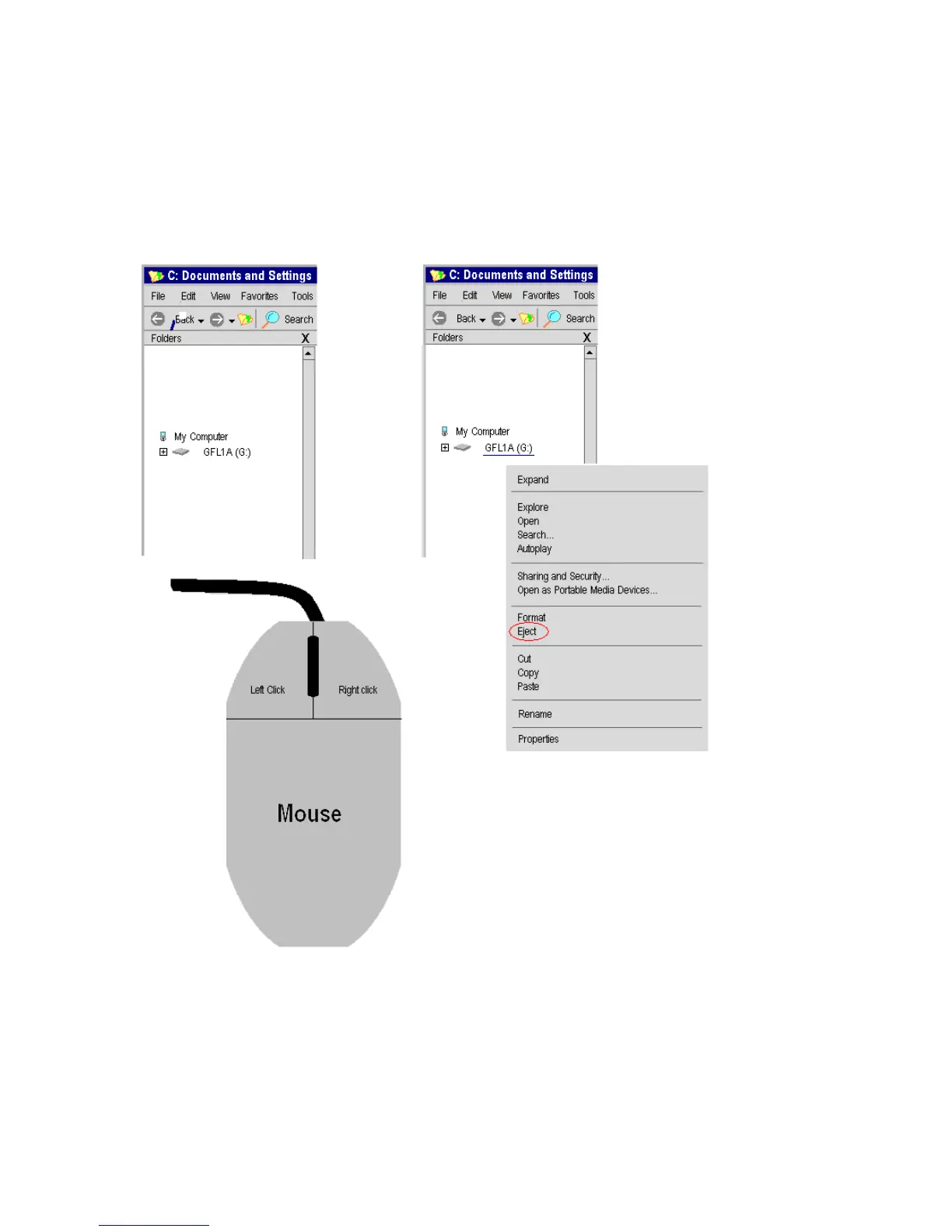
Ejection process
The Eject option may be used as listed below, however, in our experience it is not
necessary as long as the file has been completely transferred. Do not disconnect the cable
until file transfer is complete.
Microsoft Windows Screen on a PC
When done, there is usually a double beep sound from the OS1p, and a message appears
on the OS1p screen that says that “Disconnect is successful. Unplug the USB Cable to
continue.



 To Next Page