158
Chapter 5 Diagnostics
The Diagnostic screens are used to trouble shoot the system. It is recommended the you
contact Opti-Sciences for trouble shooting help if you have a problem. These screens will
help OSI diagnose machine issues and recommend a solutions.
Main Screen
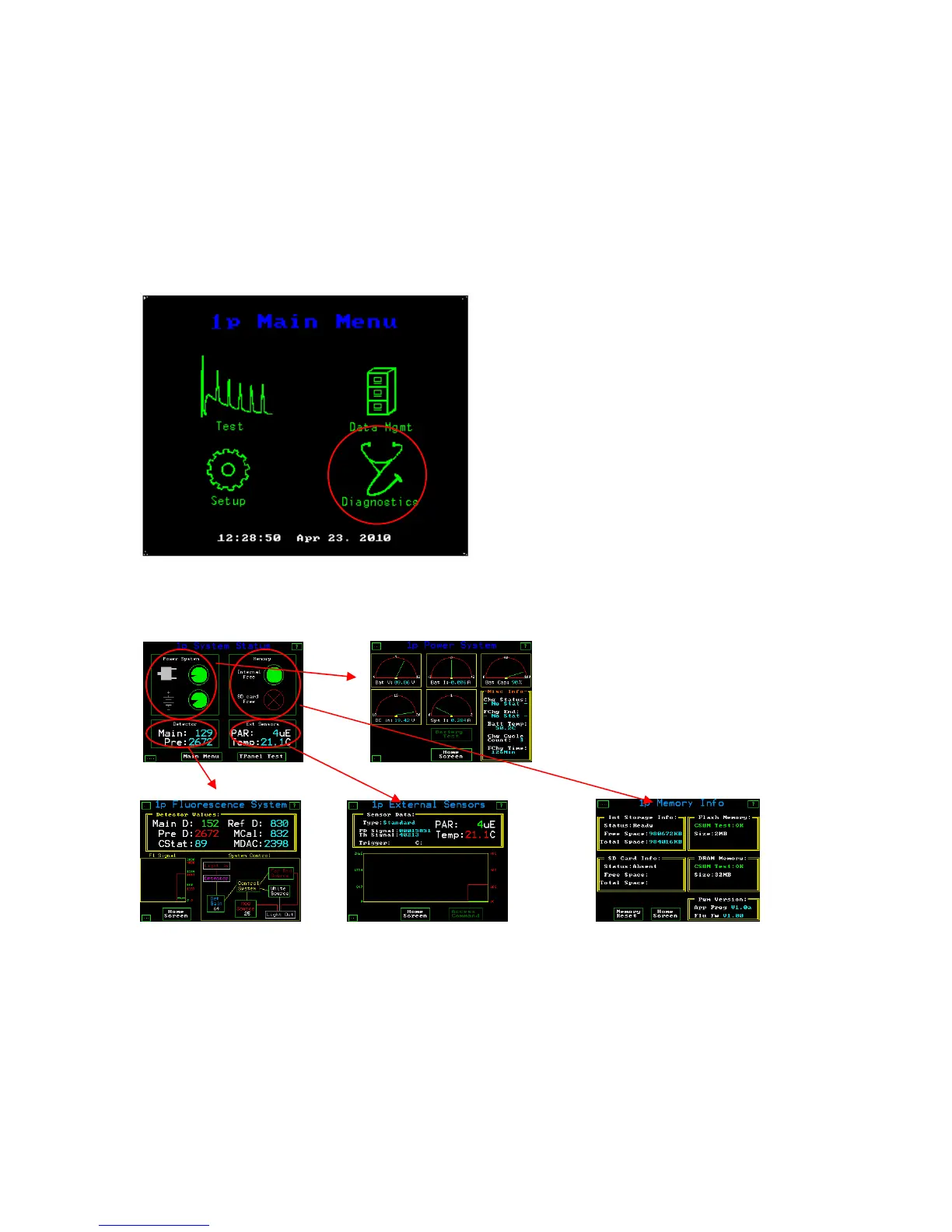
Drill down view of diagnostic screens
Main diagnostic Screen Battery and Power test screen
Test screen for Test screen for PAR Clip Test Screen for memory &
fluorometer function details Software Version
Notes:
The Battery test and Access command require a special password from Opti-Sciences and they can not be
accessed without contacting the factory.
The Fluorometer will not charge unless it is turned off. However, It may be used with AC power when it is
plugged into an AC outlet.



 To Next Page