144
Chapter 4 • OS5p Data Management
USB data transfer
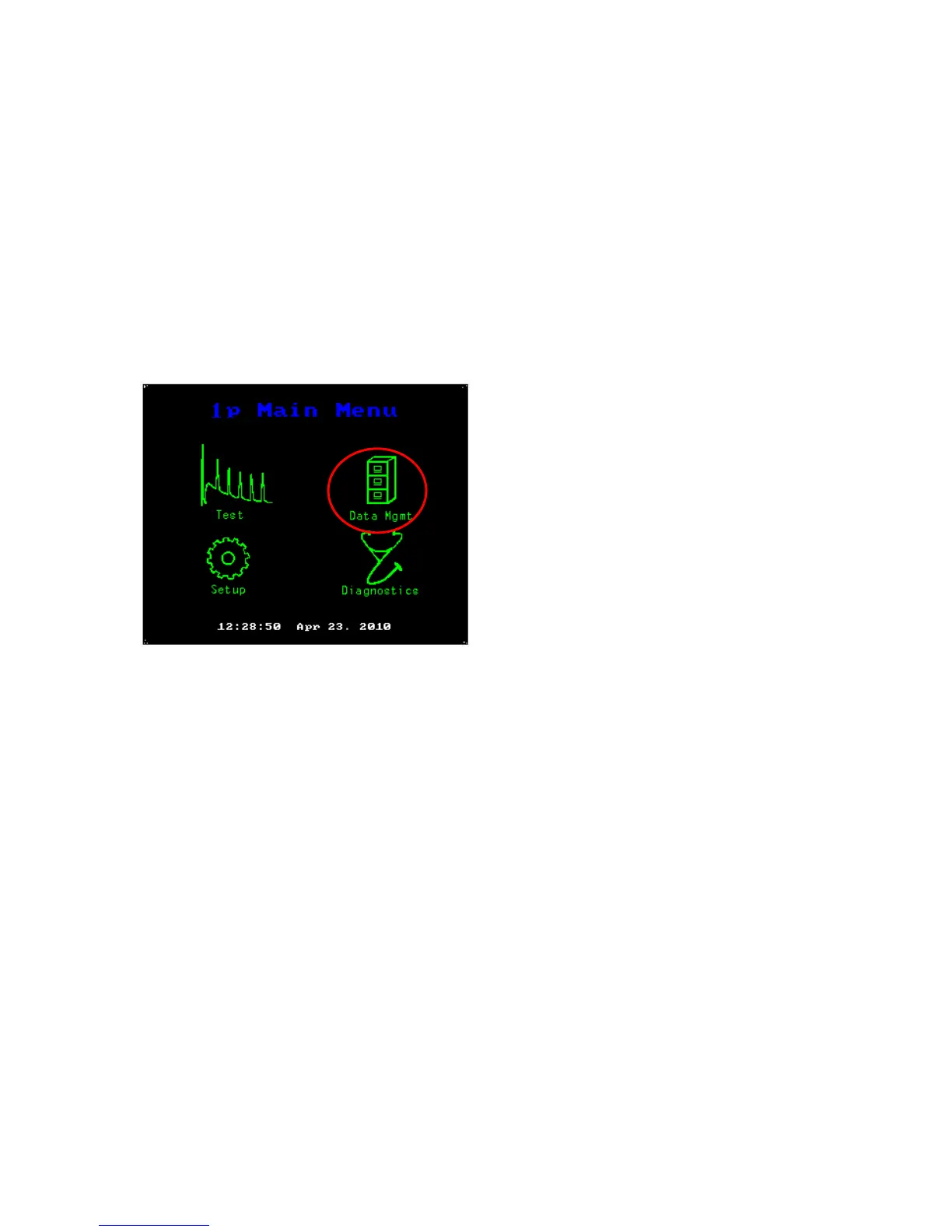
Plug the USB cable into the OS1p and into your computer. It may be off, or on. Go to the
Main Menu and press the “Data Mgmt” image.
Main Menu
A Screen will appear that says:
USB Remote PC Access Mode V1.0
The OS1p is now connected to your host PC. Ready to transfer data or update files. Use the PS eject feature to
stop drive access. Do not disconnect the USB cable when data is being transferred or the file may be lost or
corrupted



 To Next Page