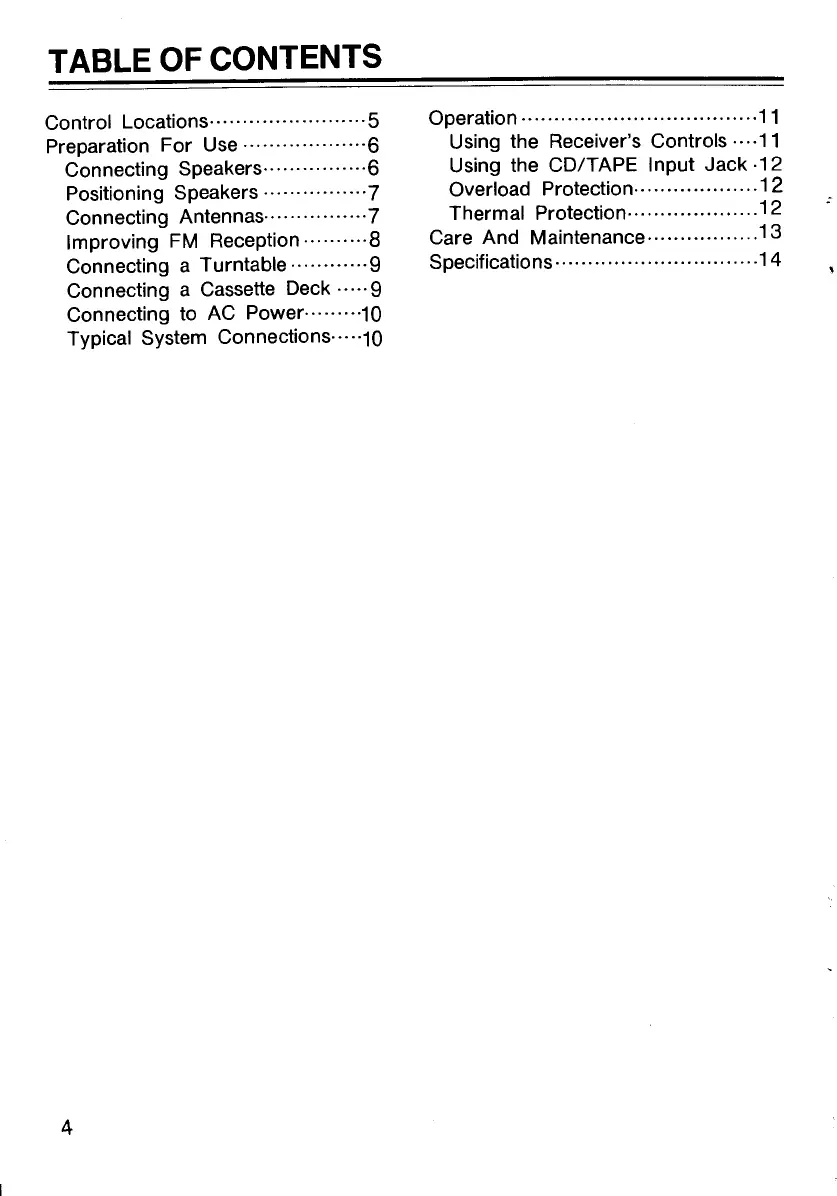
TABLE OF CONTENTS
Control Locations·
.......................
5
Preparation For Use
···················6
Connecting Speakers················6
Positioning Speakers
................
7
Connecting Antennas· ............... 7
Improving FM Reception
··········8
Connecting a Turntable
············9
Connecting a Cassette Deck · · · · · 9
Connecting to AC Power······ ···10
Typical System Connections··· ··10
4
Operation
...................................
·11
Using the Receiver's Controls · ..
·11
Using the CD/TAPE Input Jack ·12
Overload Protection·.
00
•••••••••••••••
12
Thermal Protection··················
..
12
Care And Maintenance
00
•••••••••••••••
13
Specifications
...............................
14
CARE AND MAINTENA
Your receiver is
an
example of superior
design and craftsmanship. The follow-
ing suggestions will help you care for
your receiver so that you can enjoy it for
years.
Keep the receiver dry. If
it
does get wet, wipe it dry
immediately. Liquids can
contain minerals that can
damage the electronic
circuits.
Use and store the receiver
only in normal temper-
ature environments. Ex-
treme temperatures can
shorten the life of electronic
devices and distort
or
meH
plastic parts.
Handle the receiver gently
and carefully. Dropping
it
can damage circuit boards
and cases and cause the
receiver to
work
impro-
perly.
Keep the receiver away
from dust and dirt, which
can cause premature wear
of parts.


 To Next Page