2.
Plug the other end of the audio cable
into your receiver's front panel
CD/TAPE input jack.
3.
Set the source selector to the
CD/TAPE position.
OVERLOAD PROTECTION
Your receiver has
an
overload protec-
tion system. If
your
speaker terminals
receive
an
unusually high power surge,
this system automatically decreases
the output power to a very low level to
protect
your
receiver and speakers.
If this happens, turn off the power
and check
all
speaker connections.
Be sure that there are no stray pieces
of wire touching between the positive
(+)
and negative
(-)
speaker term-
inals. Also check that
your
speakers
have
an
impedance rating of at least
8 ohms.
THERMAL PROTECTION
Your receiver also has a thermal
protection system.
If
the receiver
overheats, it automatically turns off
press [POWER] to the out position,
and
then check to
be
sure the receiver's
ventillation holes are unobstructed.
After the receiver cools (about
15
minutes), press [POWER]
in.
Caution: Using speakers with
an
im-
pedance rating less than 8 ohms can
cause the receiver to overheat.
'
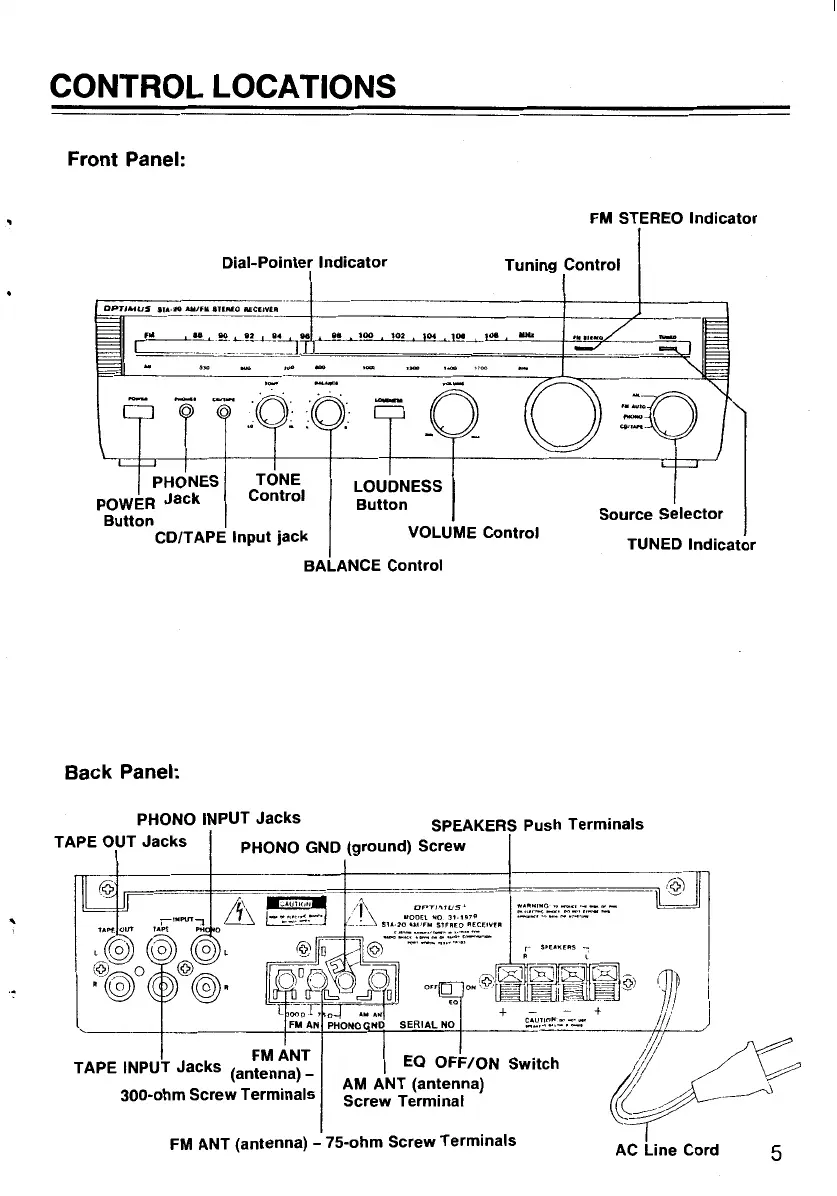
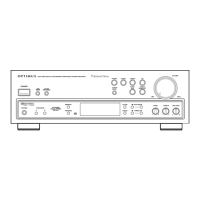
CONTROL LOCATIONS
Front
Panel:
Dial-Pointer
Indicator
PHONES! TONE
POWER
Jack
Control
Button
LOUDNESS
Button
FM STEREO
Indicator
Tuning
Control
l
CD/TAPE
Input
jack
VOLUME
Control
Source
Selector
TUNED
Indicator
BALANCE
Control
Back
Panel:
PHONO INPUT
Jacks
SPEAKERS Push
Terminals
TAPE OUT
Jacks
I PHONO GND
(ground)
Screw
FMANT
TAPE INPUT
Jacks
(antenna)_
300-ohm
Screw
Terminals
AM ANT (antenna)
Screw
Terminal
FM
ANT (antenna) - 75-ohm
Screw
Terminals
~~;;.';~~·:.~~.:=:..-
AC
Line
Cord
5


 To Next Page