US-902DC Version 1.0 Page 5 of 11
US-902DC
Wireless Receiver
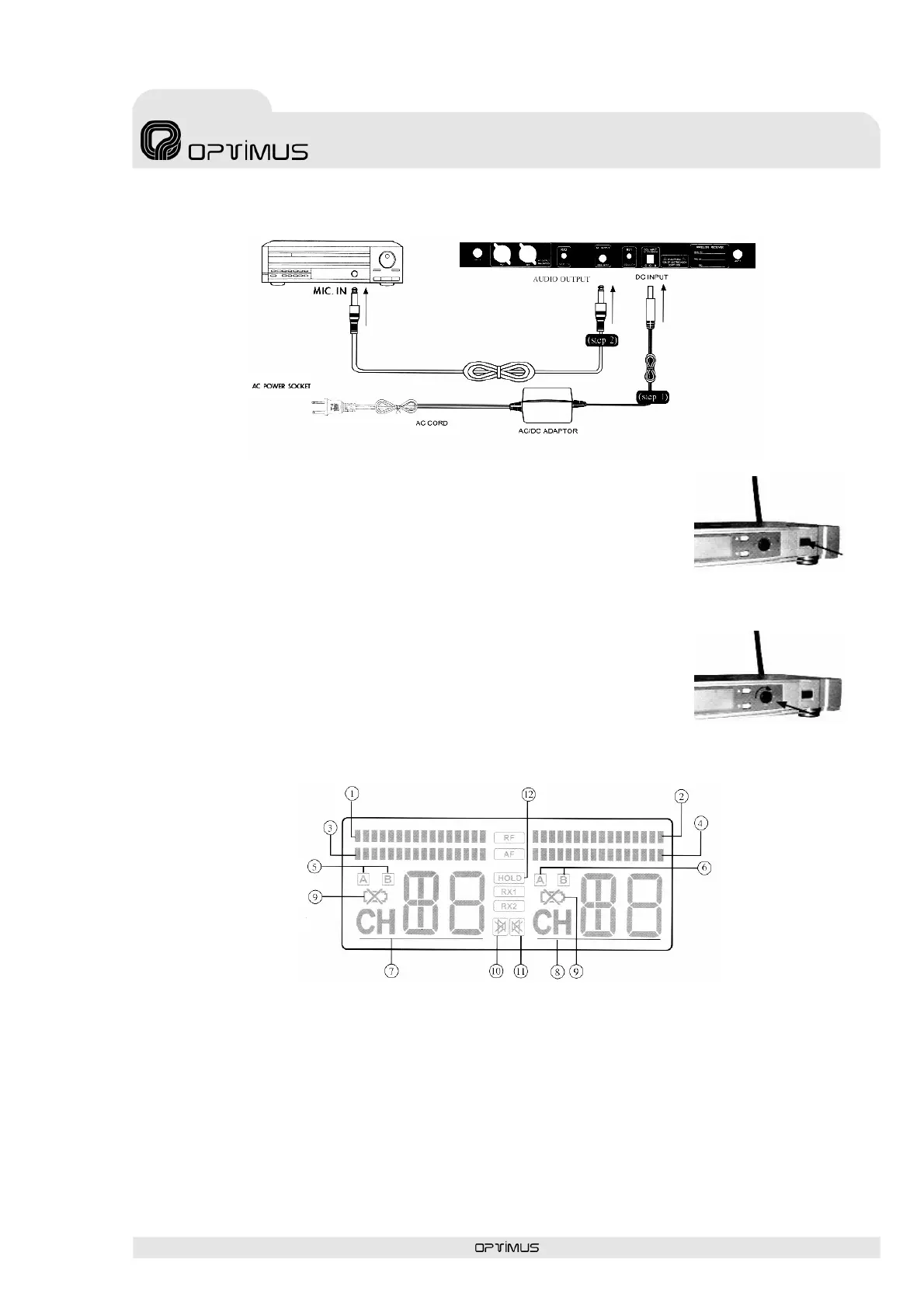
4.1.3 Power on
Turn the receiver on by pressing the power button in the front panel
(Figure 2).
4.1.4 Signal level adjust
Adjust the AF output level control to select a proper AF signal level
(Figure 3).
4.1.5 LCD panel
(1) RF incoming signal level of RX1
(2) RF incoming signal level of RX2
(3) AF incoming signal level of RX1
(4) AF incoming signal level of RX2
(5) Diversity of RX1 (antenna A or B active)
(6) Diversity of RX2 (antenna A or B active)
(7) Channel display of RX1
(8) Channel display of RX2
(9) Low bat. status of transmitter
(10) Mute status of RX1
(11) Mute status of RX2
(12) Setting lock-on mode
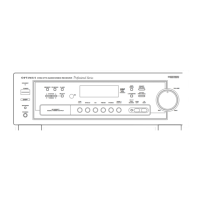
Figure 1
Figure 2
Figure 3




 To Next Page