19
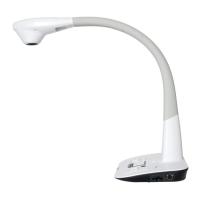
Line Width: Change the line width of the rectangle.
X, Y: Change the position of the rectangle.
Color: Change the line color of the rectangle.
Fill Color: Check box to fill color in the rectangle.
Width, Height: Change the shape of the rectangle by changing the angle of two adjacent
lines of the rectangle.
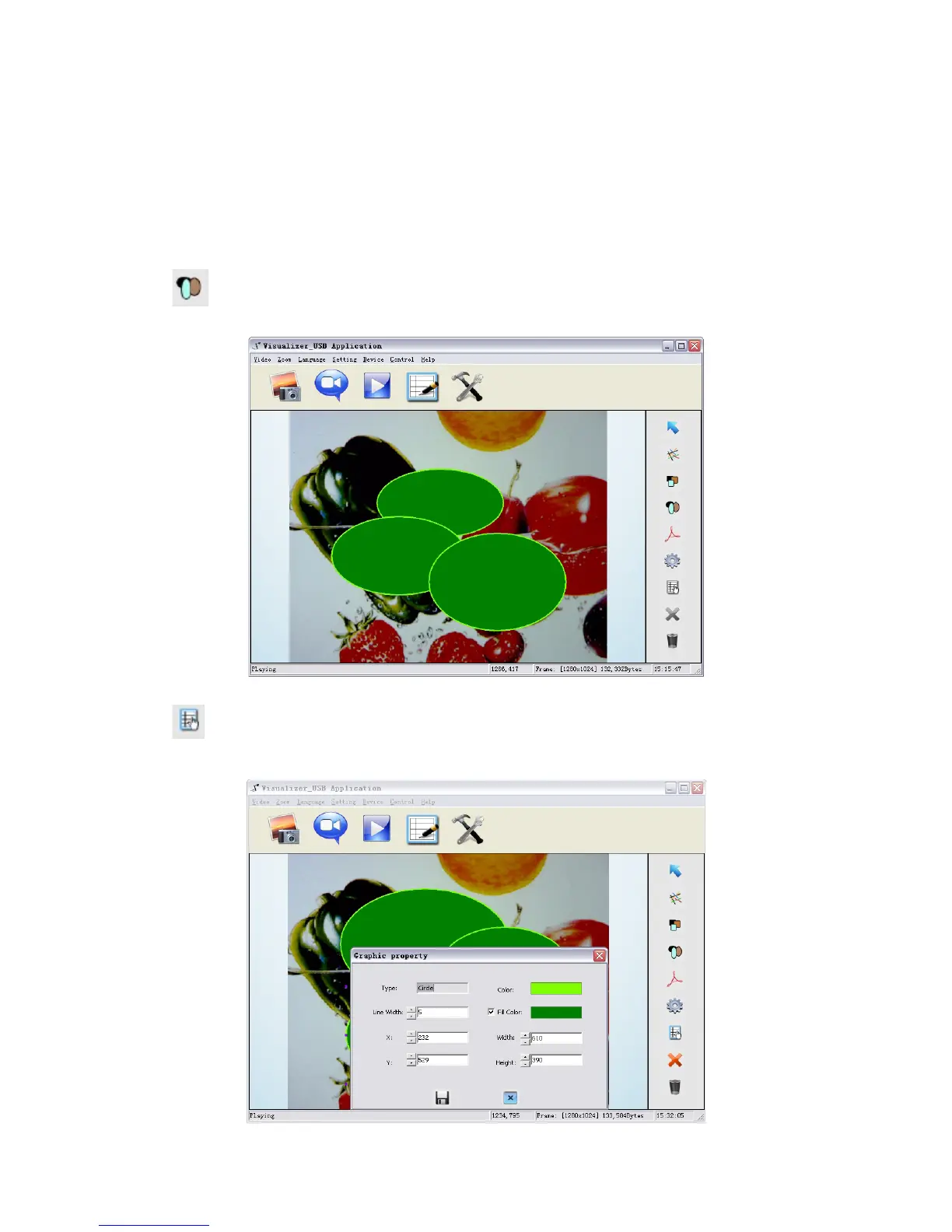
Circular Shapes
icon allows you to place circular shapes in the image as shown below.
icon allows you to change the setting of the chosen circle.



 To Next Page