20
Line Width: Change the line width of the circle.
X, Y: Change the position of the circle.
Color: Change the line color of the circle.
Fill Color: Check box to fill color in the circle.
Width, Height: Change the size of the circle.
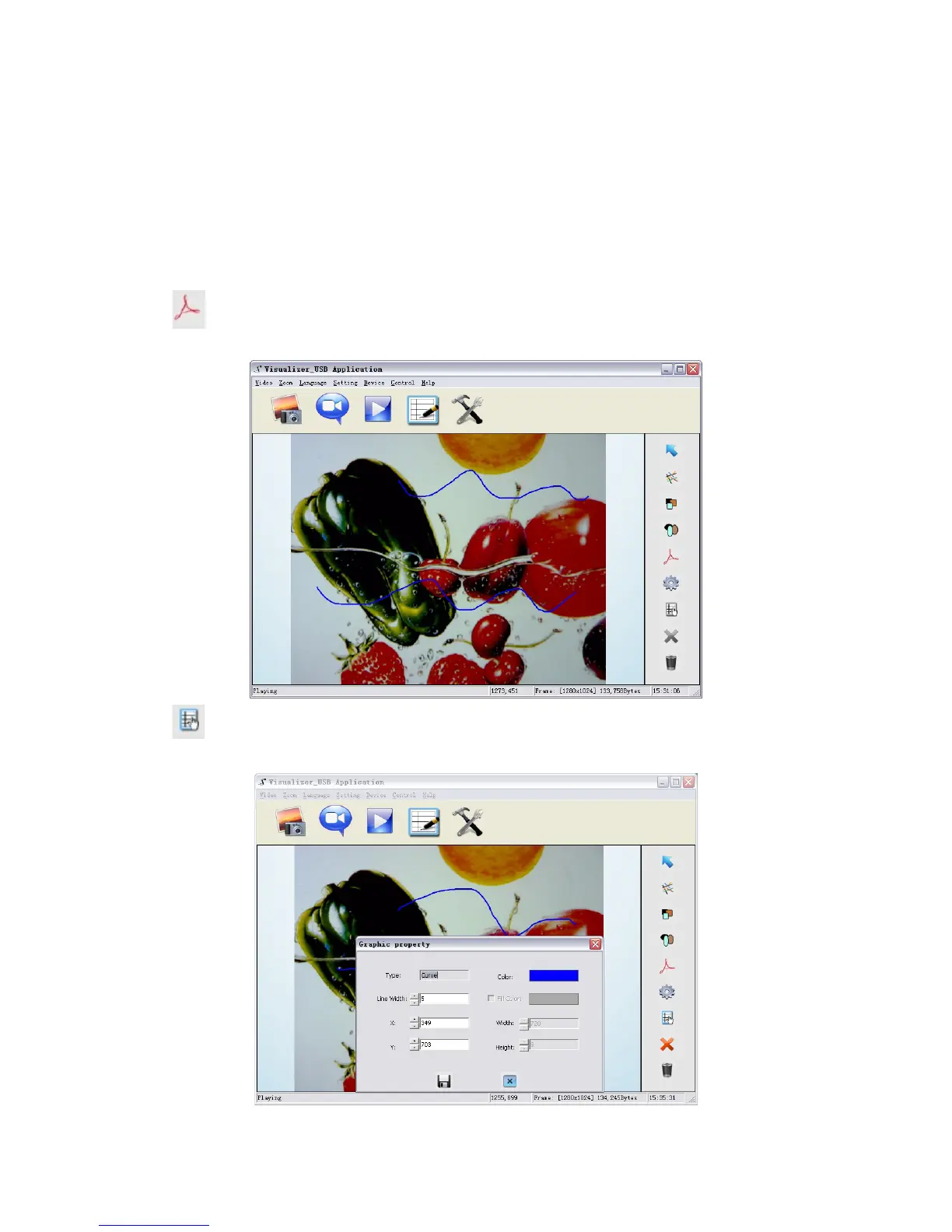
Freeform
icon allows you to place scribbles in the image as shown below.
icon allows you to change the setting of the chosen curve:



 To Next Page