16
Recording a video clip / Taking a still picture
1. Choose the focus mode according to distance to object:
Normal mode for 25cm to ∞.
Macro mode ( ) or ( )( ) for 1cm ~ 25cm.
2. Use the Zoom button (
/ ) to zoom in or zoom out
from the screen.
3. Automatic focus/Manual focus
Press AF button (
) to do one-time auto-focus.
Use manual focus button (
/ )( ) on the remote control to fine-tune focus.
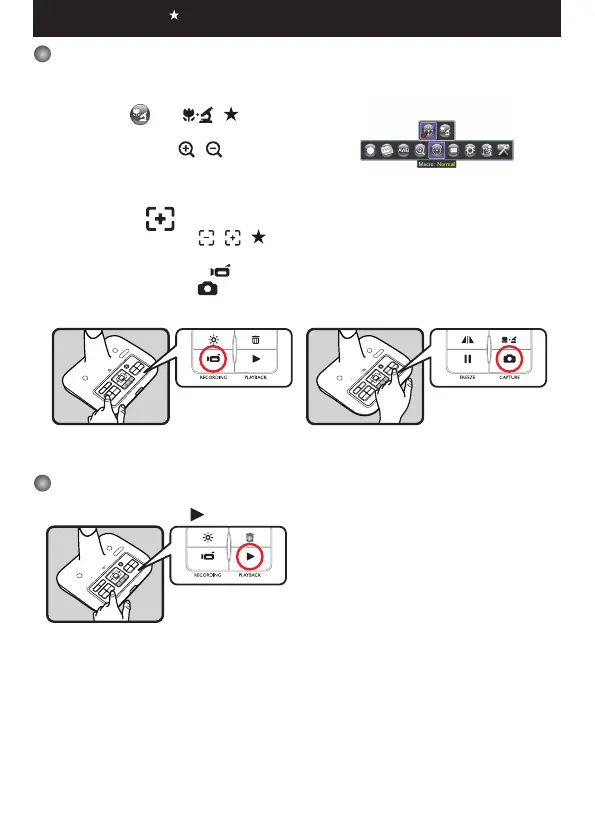
4. Press the Recording button (
) to star t recording and press it again to stop recording.
Press the Capture button ( ) to take a still picture.
Playback
1. Press PLAYBACK button ( ) .
2. The last recorded picture or video clip will show on the screen.
3. Use Up / Down button to choose files.
Functions indicated by can only be used by the remote control.


 To Next Page