5
Setting Up
This section provides useful tips on how to adjust the document camera smoothly for your needs.
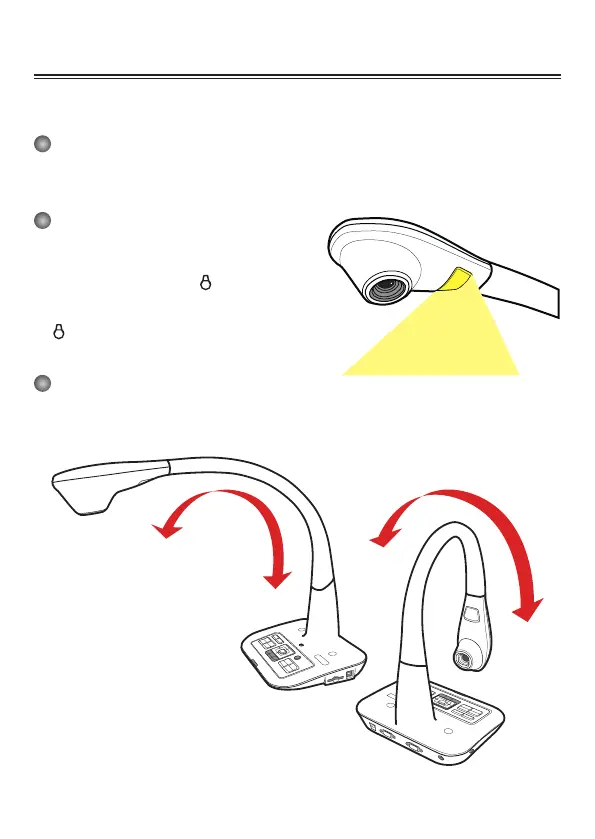
Camera Head
The camera head can turn freely up and down.
Illumination Lamp
If you are in a dark environment, please turn the LED
lamp on to make better exposure.
1. Press the LED lamp button ( ) on the base to
turn on/off the LED lamp.
2. Adjusting the brightness by pressing the lamp
button ( ).
Gooseneck Arm
The gooseneck arm can be adjusted to support various working areas.


 To Next Page