EN-35
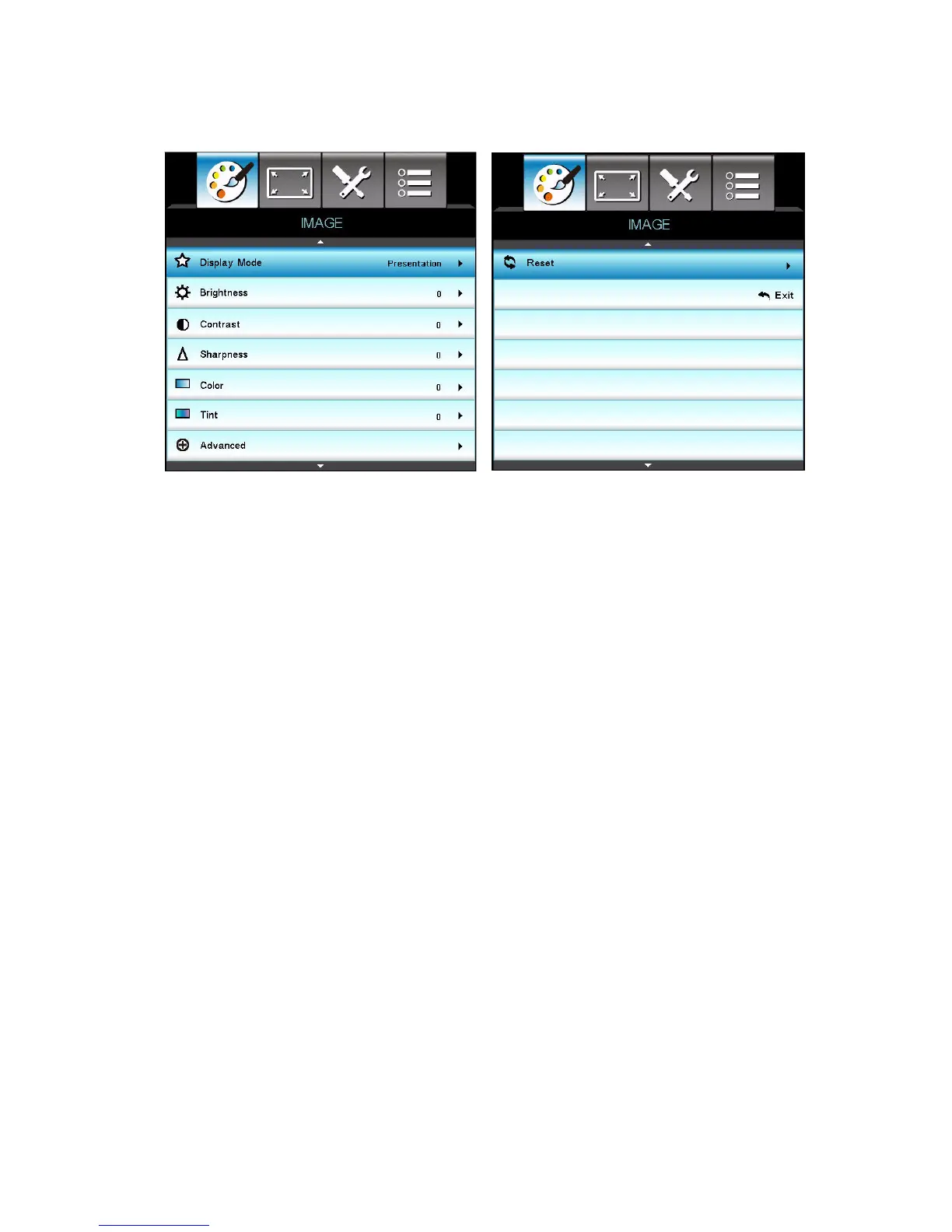
IMAGE
Display Mode
There are many factory presets optimized for various types of images.
Presentation: Good color and brightness from PC input.
Bright: Maximum brightness from PC input.
Moive: For home theater.
sRGB: Standardised accurate color.
Blackboard: This mode should be selected to achieve optimum color
settings when projecting onto a blackboard (green).
User: User’s settings.
DICOM SIM: Recommended for DICOM format files in
simulation mode.
3D: Recommended setting for 3D mode. Any further adjustments by the
user in 3D will be saved in this mode for further use.
Note
DCIM SIM option is only for training or reference. It not used for actual diagnosis.
DICOM represents for the Digital Imaging and Communications in Medicine. This is a
standard created by the American College of Radiology and the National Electrical
Manufacturers Association. This standard specifies the method of digital image data
to be transferred from one system to another.
Brightness
Brighten or darken the image.
Contrast


 To Next Page