EN-67
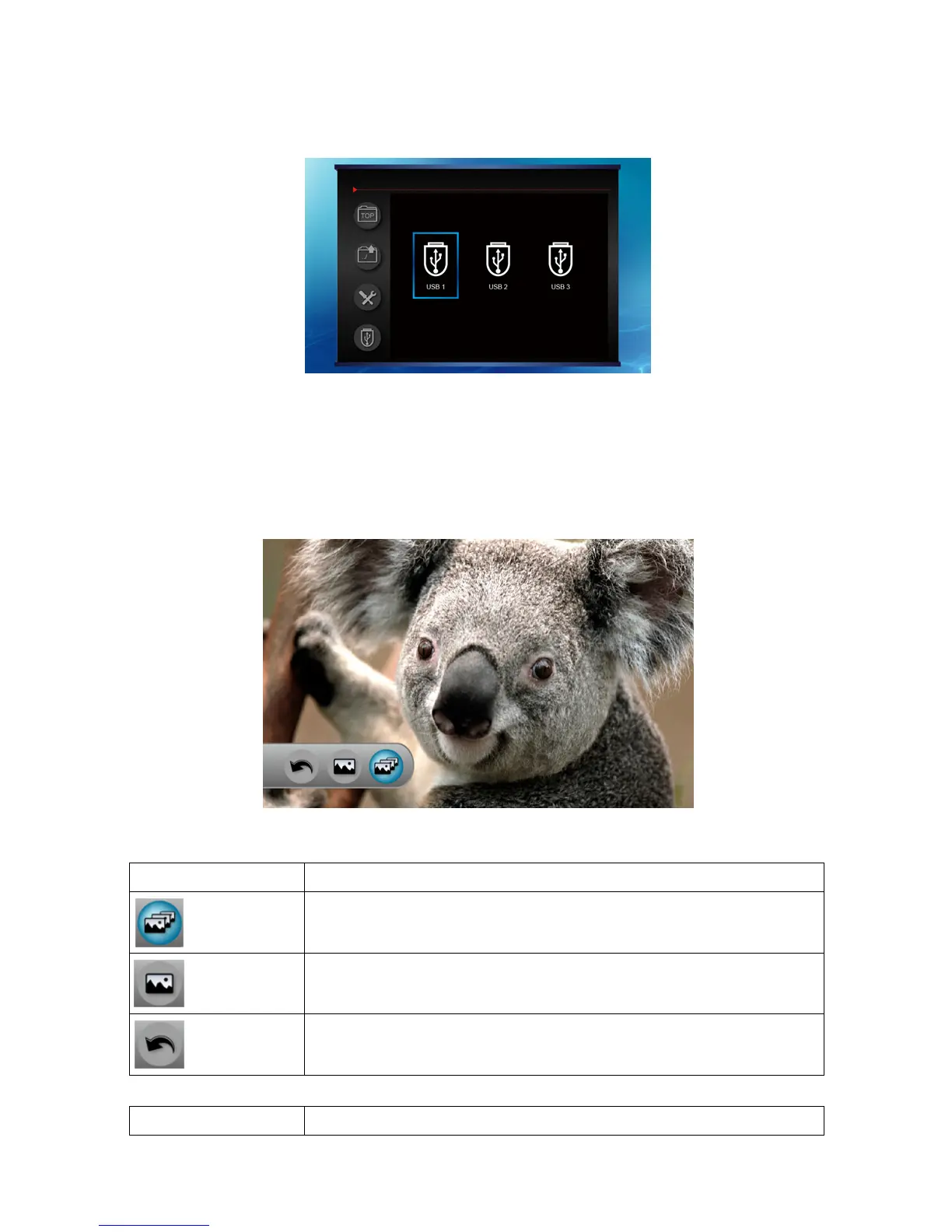
5. When more than one USB is plugged, press “Enter” to switch to another
USB.
Slide shows
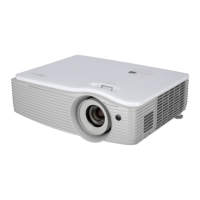
1. When user press "Enter" into a picture, it will display picture auto fit to
the screen by retaining original size ratio.
2. Press "Enter" key to shows setting bar.
When it’s on slideshow
:
Icon Description
Keep slideshow
Stop slideshow and only display this picture
Go back to thumbnail file
Press button Action


 To Next Page