27
English
User Controls
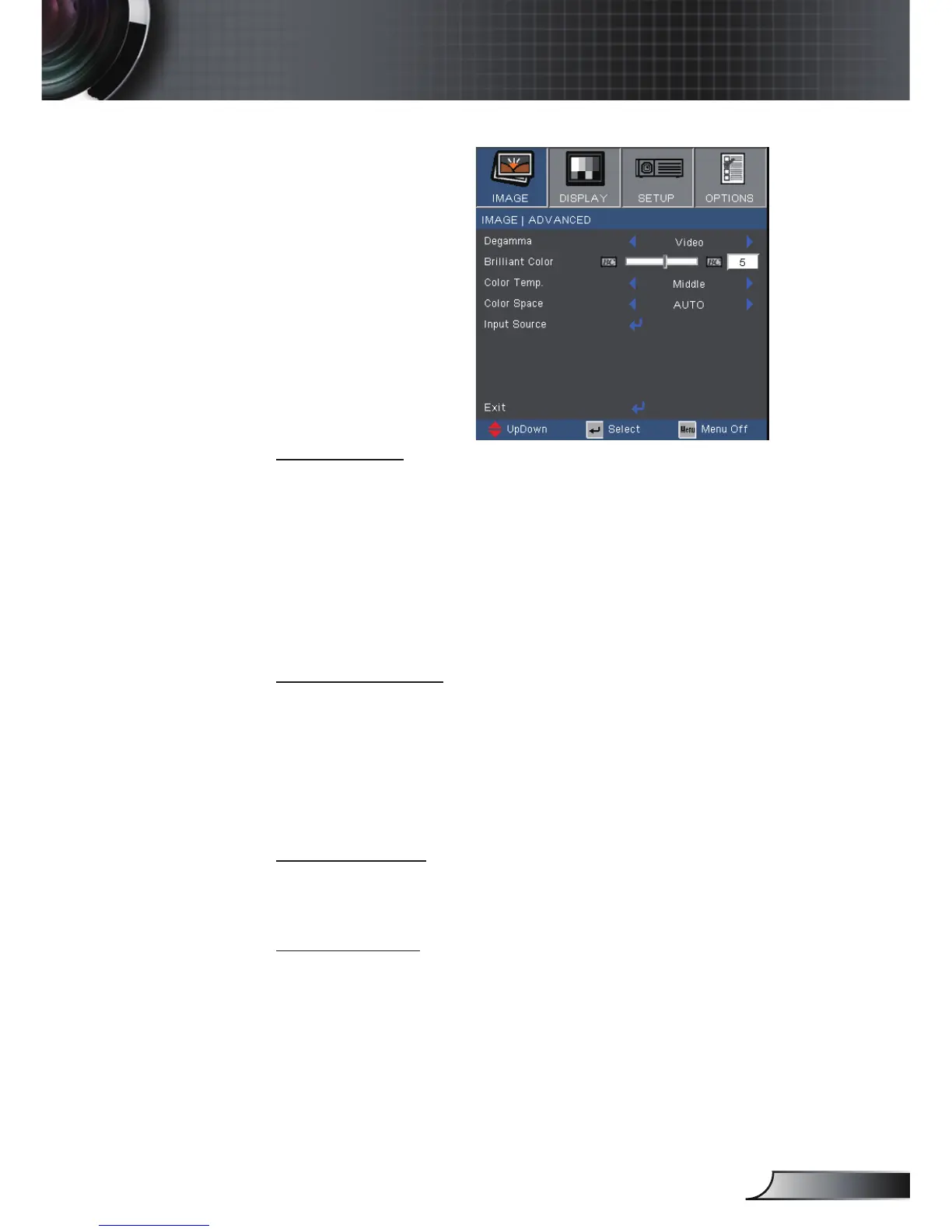
Image | Advanced
Degamma
This allows you to choose a degamma table that has been ne-tuned
to bring out the best image quality for the input.
Film: for home theater.
Video: for video or TV source.
Graphics: for image source.
PC: for PC or computer source.
Brilliant Color
This adjustable item utilizes a new color-processing algorithm
and system level enhancements to enable higher brightness while
providing true, more vibrant colors in picture. The range is from
“0” to “10”. If you prefer a stronger enhanced image, adjust toward
the maximum setting. For a smoother, more natural image, adjust
toward the minimum setting.
Color Temp.
Adjust the color temperature. With high temperature, the screen
looks colder; with low temperature, the screen looks warmer.
Color Space
Select an appropriate color matrix type from AUTO, RGB, YUV.



 To Next Page