33
English
User Controls
Setup
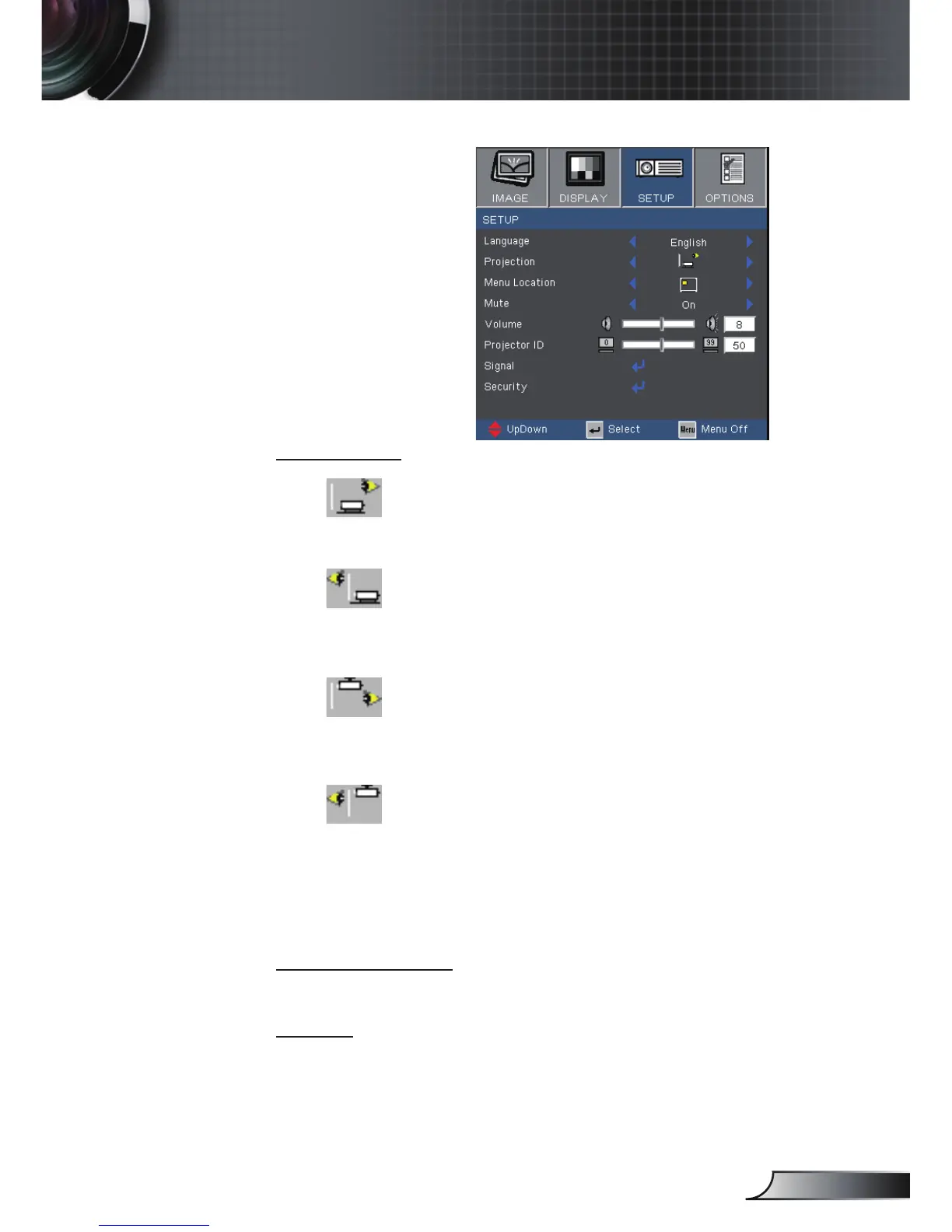
Projection
Front-Desktop
The factory default setting.
Rear-Desktop
When you select this function, the projector reverses the
image so you can project behind a translucent screen.
Front-Ceiling
When you select this function, the projector turns the image
upside down for ceiling-mounted projection.
Rear-Ceiling
When you select this function, the projector reverses and
turns the image upside down at same time. You can project
from behind a translucent screen with ceiling mounted
projection.
Menu Location
Choose the menu location on the display screen.
Mute
Choose the “On” to turn mute on.
Choose the “Off” to turn mute off.



 To Next Page