36
English
User Controls
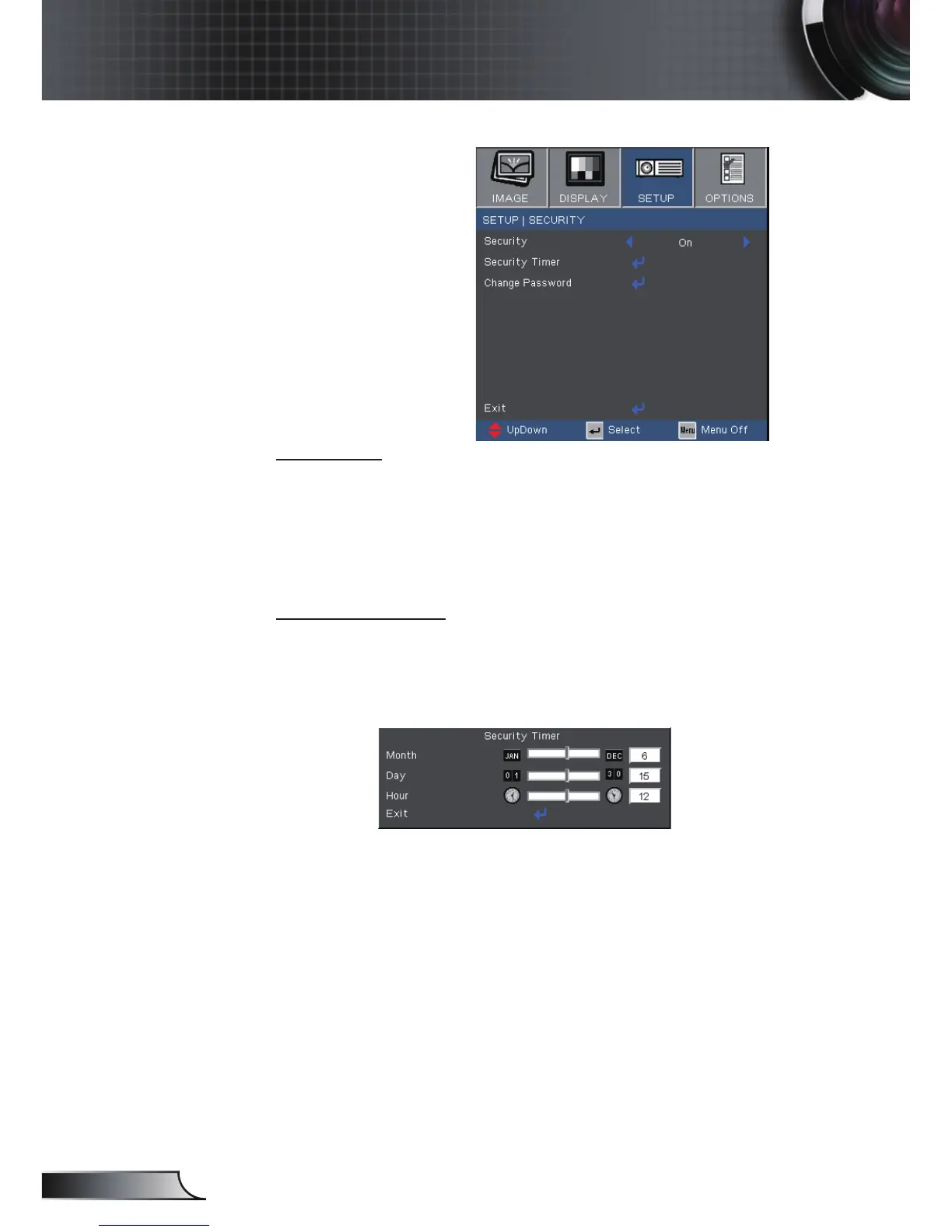
Setup | Security
Security
On: Choose “On” to use security verication when
the turning on the projector.
Off: Choose “Off” to be able to switch on the
projector without password verication.
Security Timer
Can be select the time (Month/Day/Hour) function
to set the number of hours the projector can be used.
Once this time has elapsed you will be requested to
enter your password again.



 To Next Page