Rev. 03
Company Confidential Optoma_______________________ Delta____________
44
2007/02/08
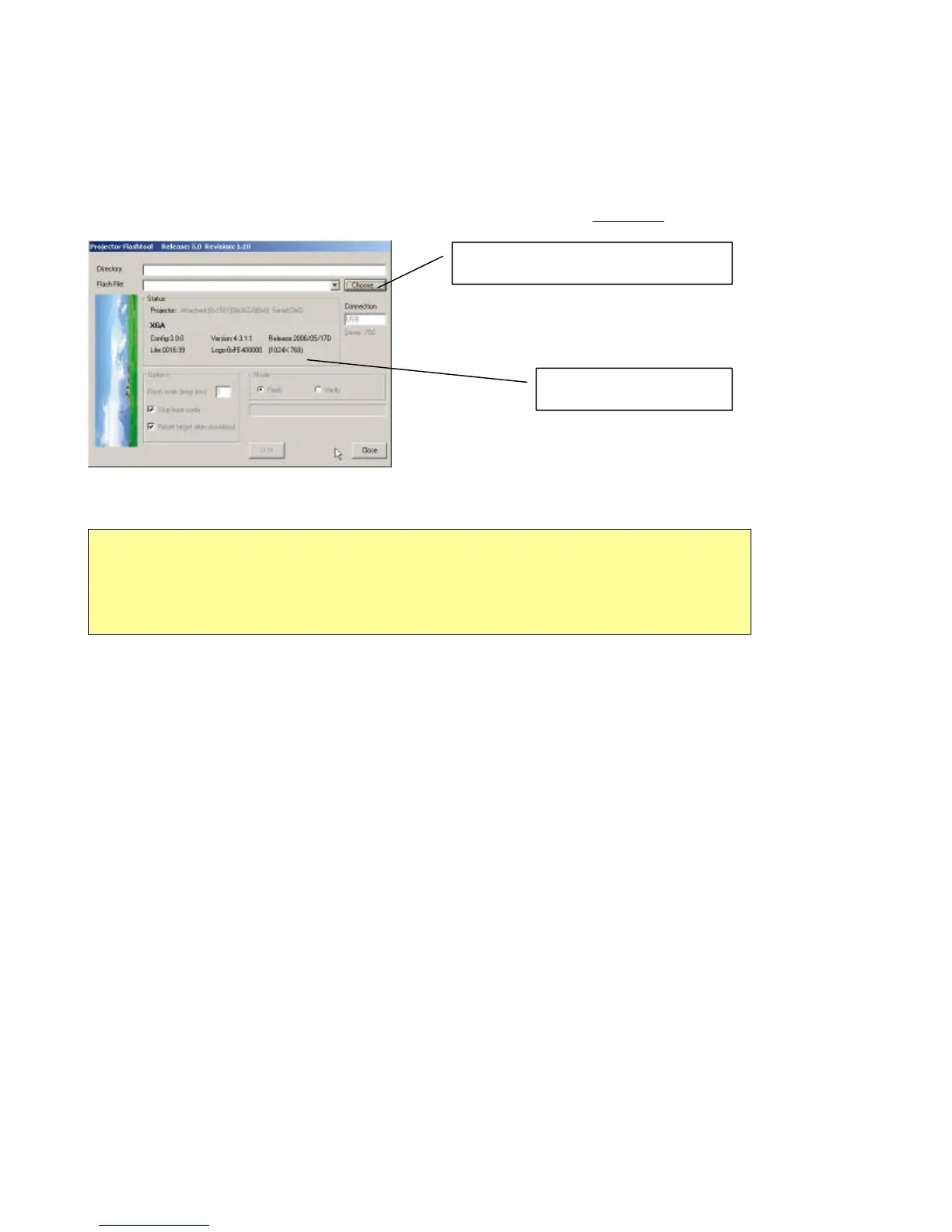
Step 3: Make sure the USB cable is firmly attached between projector and computer; the power switch is in
ON position (if the projector got hardware power switch) and projector is in STAND BY mode.
Press
<Down>, <Up>, <Right>, <Up> key in sequence on keypad (DP2601/2618/3618 series) or IR remote
controller (DP3602 series)。 The power and lamp LED will blink and the Flash-Tool
mode will be enabled.
.
Press “Choose” to select file
Projector information
Note:
The Windows hardware wizard will pop up if the USB device driver is not installed. Just selec
the recommended options and let Windows Wizard do it automatically…



 To Next Page