Rev. 03
Company Confidential Optoma_______________________ Delta____________
48
2007/02/08
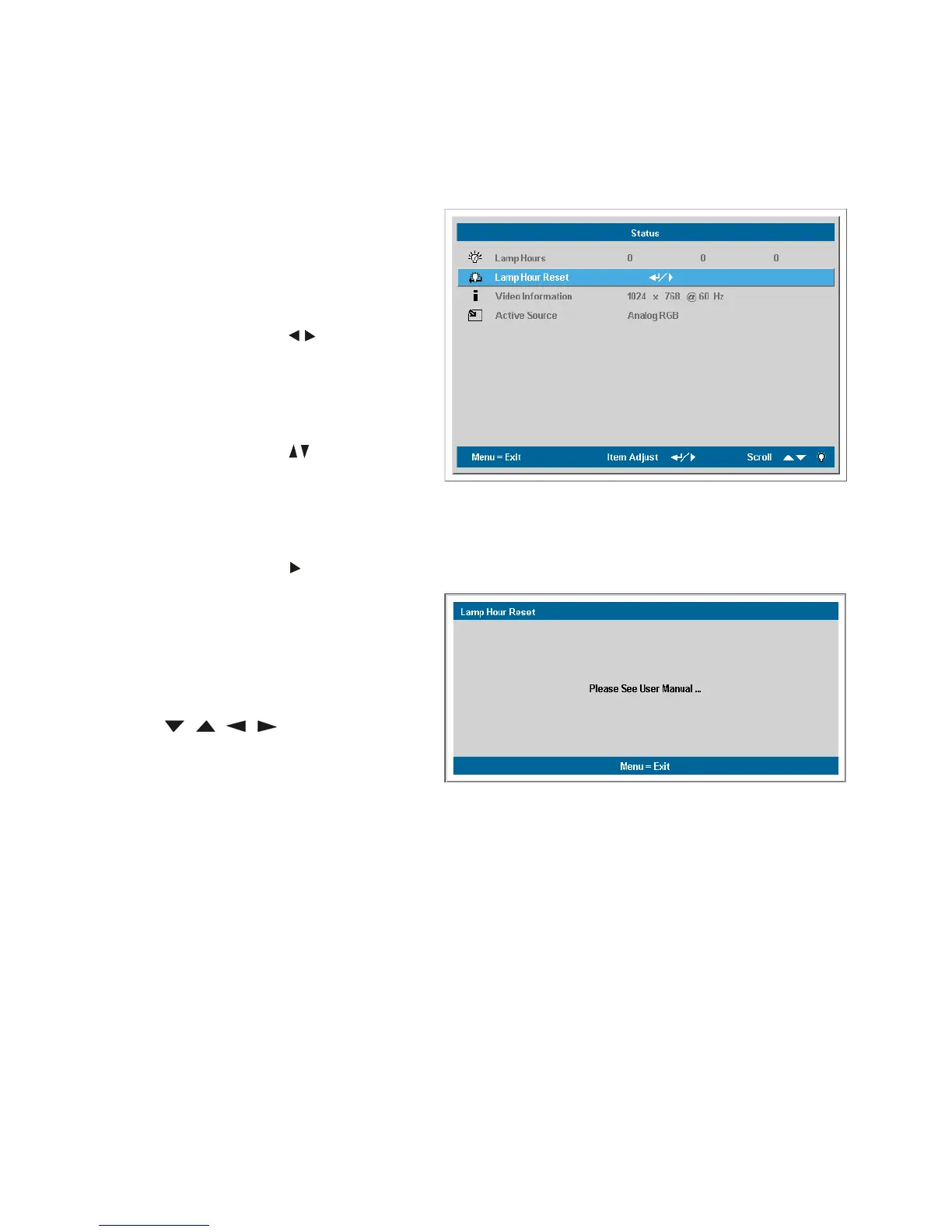
5-4 How user can reset lamp hours !!
After replacing the lamp, you should reset the lamp hour counter to zero. Refer to the following:
1.
Press the Menu button to open the
Main menu.
2.
Press the cursor
button
to move
to the Status menu.
3.
Press the cursor
button
to move
down to Lamp Hour Reset.
4.
Press the cursor
or Enter button.
A message screen appears.
5.
Press the cursor buttons in this order:
; ; ; .
The Status menu appears again
showing the Lamp Hours reset to
zero.



 To Next Page