Rev. 03
Company Confidential Optoma_______________________ Delta____________
52
2007/02/08
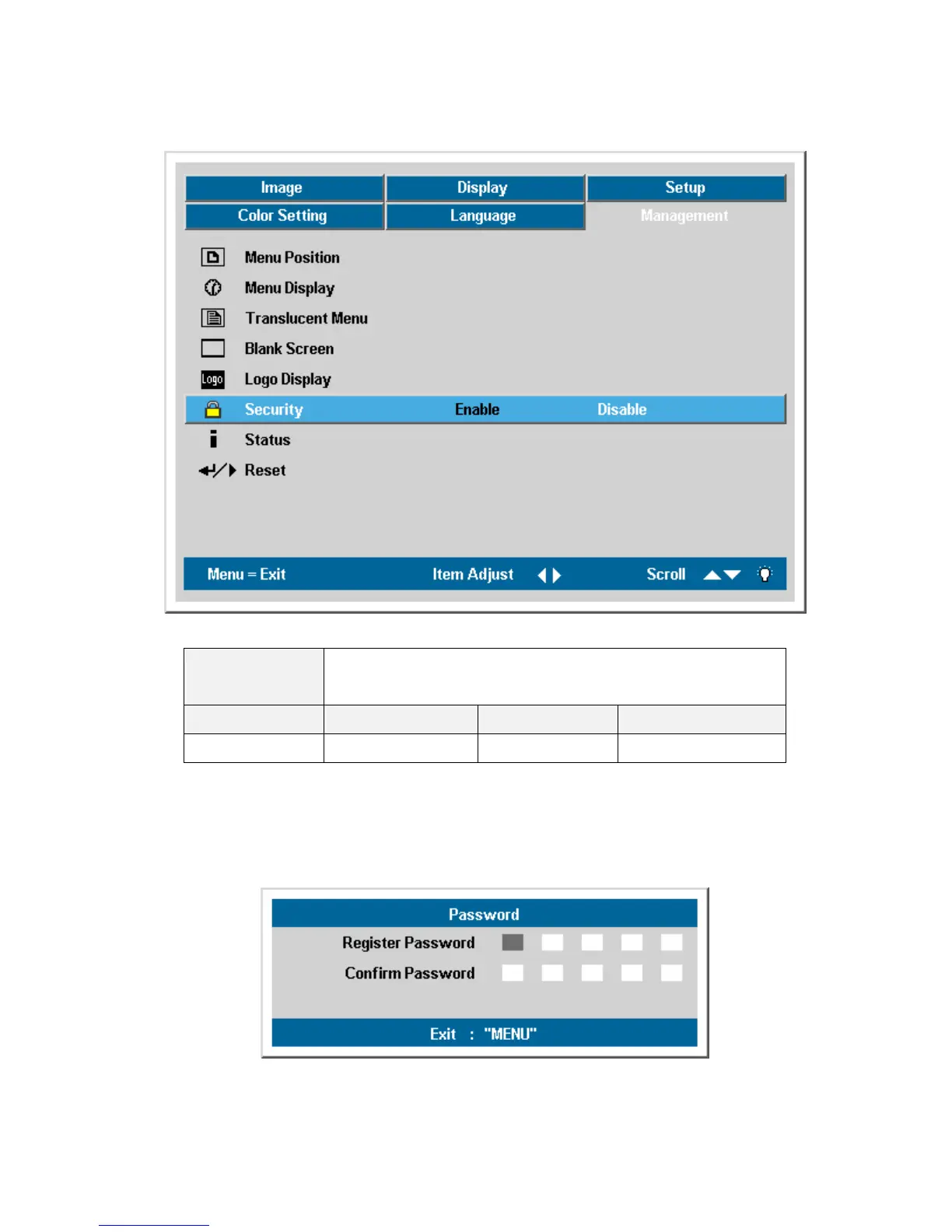
5-7 DLP Projector security
Description:
Use the Left and Right keys to enable or disable
security lock function.
Steps Minimum Maximum Default value
2 Enable Disable Disable
The Password Menu will be displayed if the “Security Lock” enabled. The available keys for the
password entry are <Up>, <Down>, <Left>, <Right> either on keypad or IR remote controller.
Use <Menu> to cancel the password input.



 To Next Page