Rev. 03
Company Confidential Optoma_______________________ Delta____________
53
2007/02/08
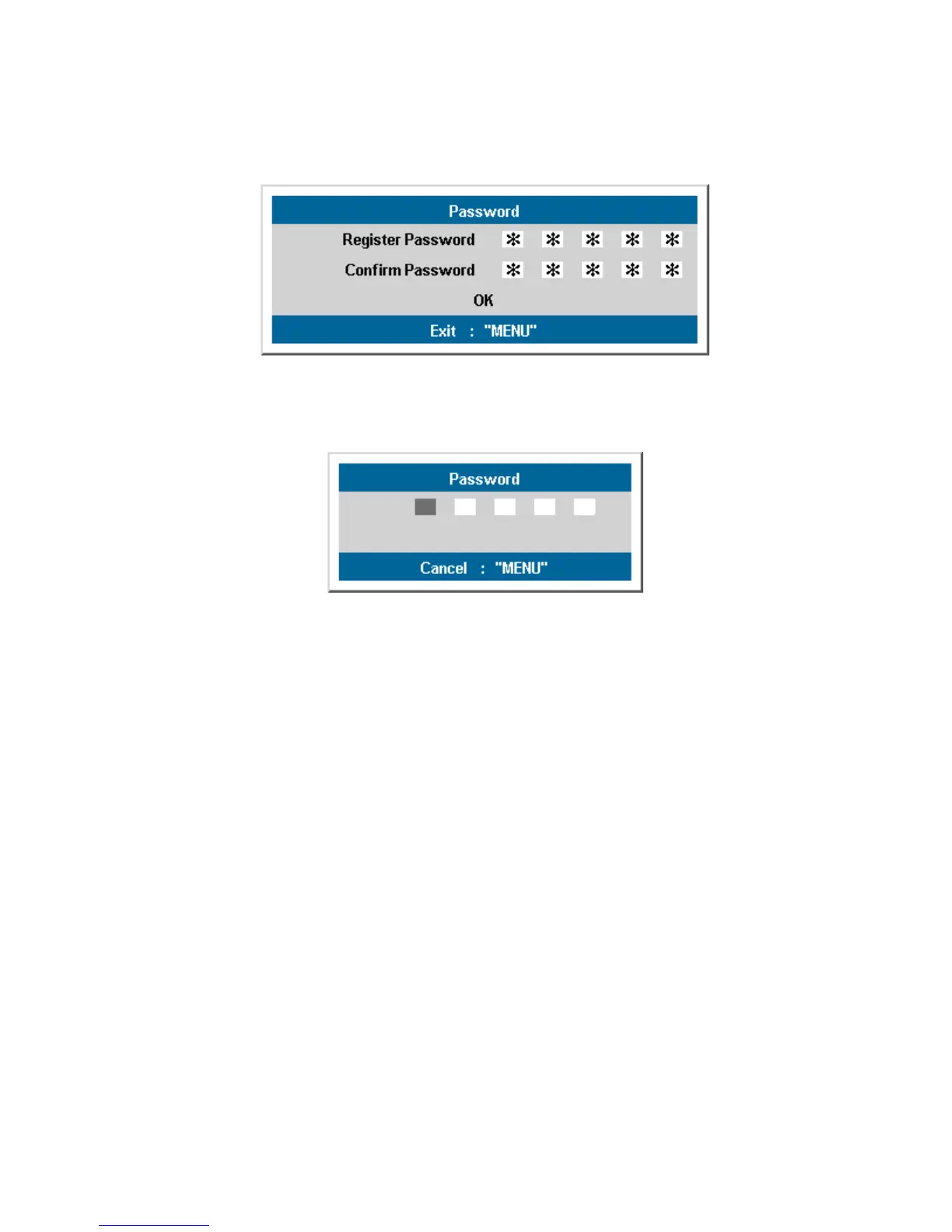
If Register Password is the same as Confirm Password, the password will be memorized.
The password confirm menu appears when user press the power-on key in case the “Security
Lock” function enabled. Only <Up>, <Down>, <Left>, <Right> and <Power> key are available.
How to reset password:
In case of lost of the password, please contact with the service-center.
Service-center will validate the owner and help resetting the password.
(See “DLP Projector security unlock guide”)
.



 To Next Page