Rev. 03
Company Confidential Optoma_______________________ Delta____________
16
2007/02/08
3. TROUBLE SHOOTING
J4P serial
By checking operations during normal usage time, it is possible to carry out judgments on malfunction to a certain
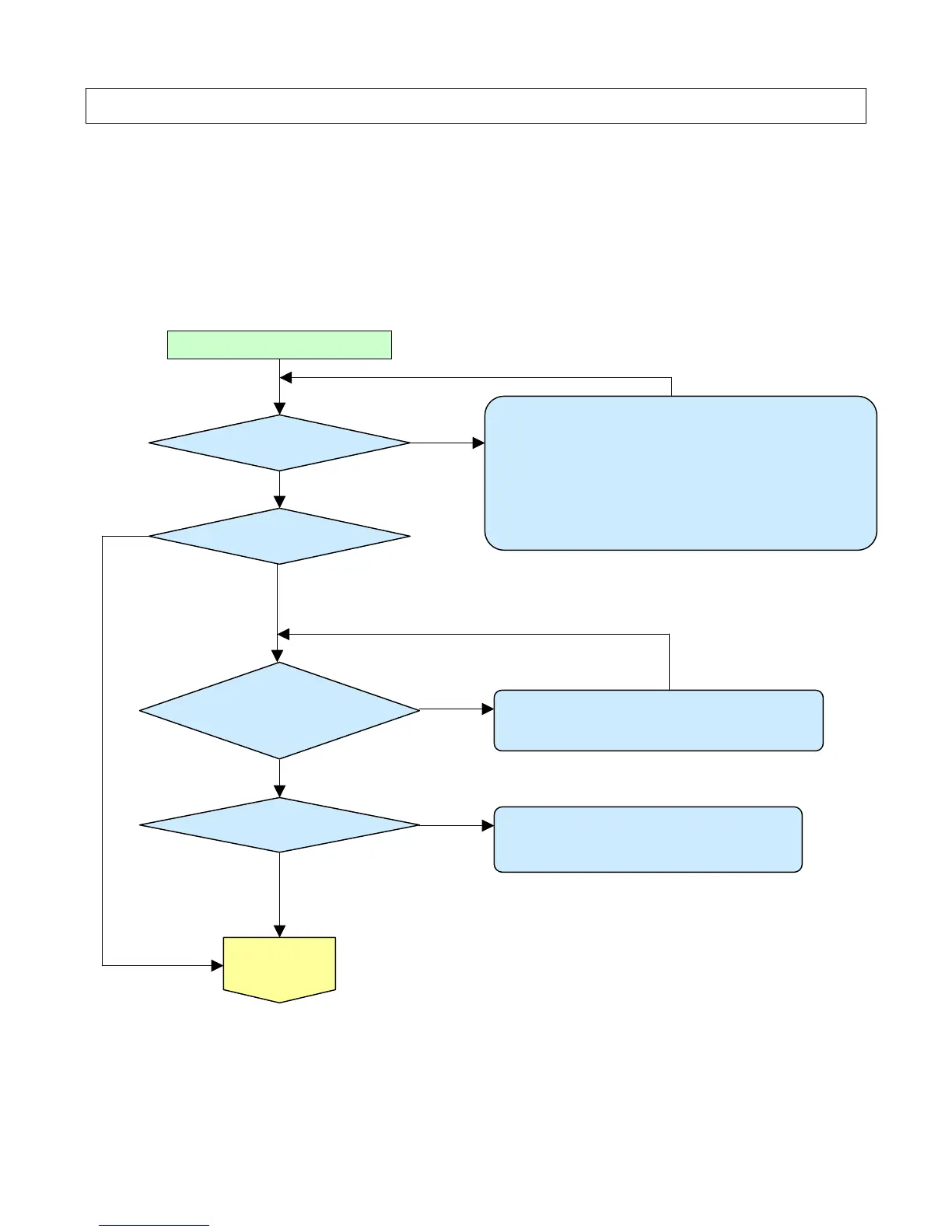
1. Check cable of Power Supply Unit and thermostat Ass’y.
2. Check the connection of Power Supply (CON201 of Power board
to CN900 of Main board).
3. Check Power Supply Unit malfunction.
4. Check keypad connection.
YES
NO
NO
Connect the power cord
POWER: Light
1.Check Thermal sensor1 Transistor ( Q702 ) malfunction.
2.Check Thermal sensor IC ( U709 ) malfunction.
POWER、READY:ON
POWER: 4 Blinks
READY: 1 Blink
Waiting Power On
YES
NO
YES
POWER: 7 Blinks
NO
1. Check Lamp Cover Switch is not attached.
2. Check Lamp Cover connector (CN12) is open.
YES



 To Next Page