Rev. 03
Company Confidential Optoma_______________________ Delta____________
47
2007/02/08
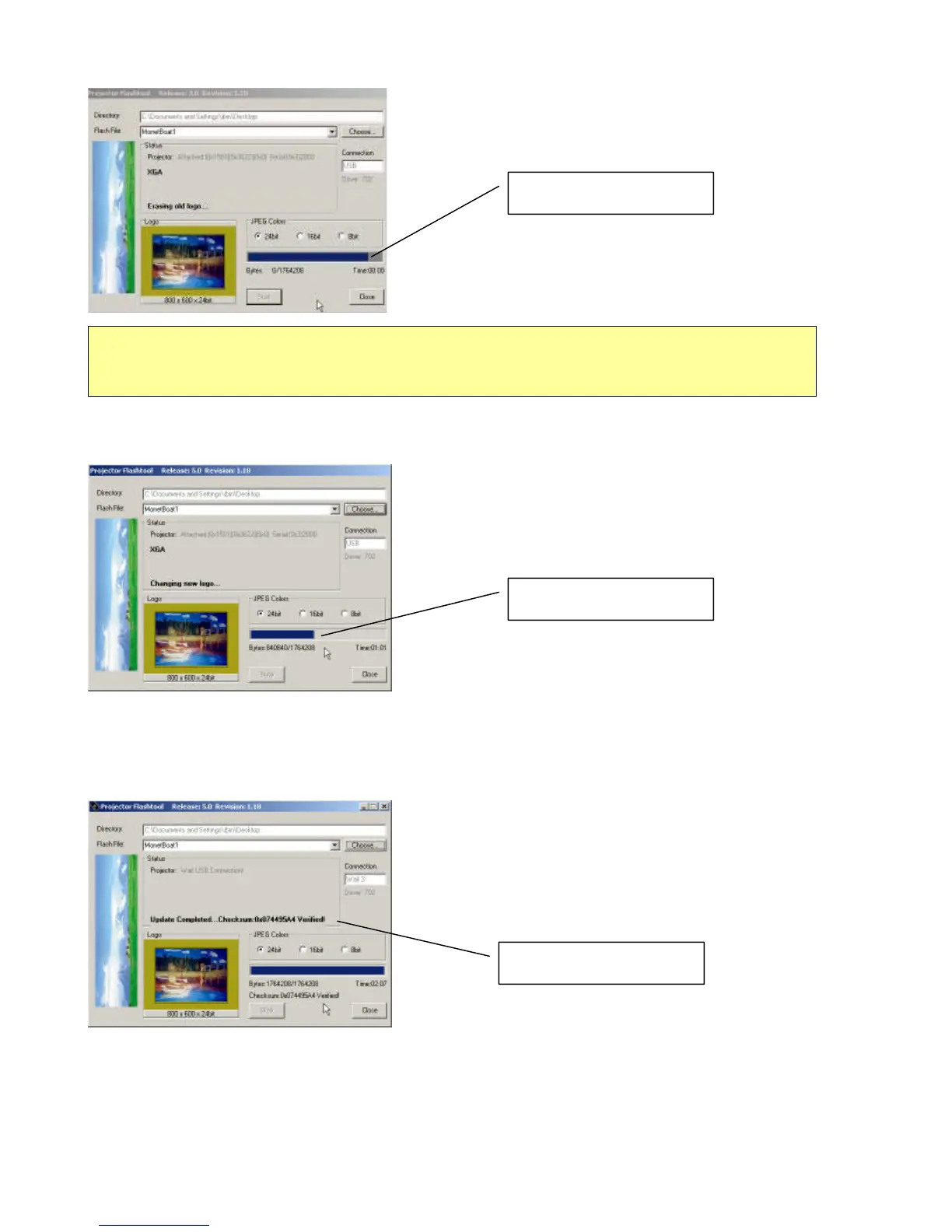
Step 8: After old logo erased, the new logo upgrading process will start.
Step 9: After the new logo changed, the Flash-Tool will perform the final validation. The dialog showed checksum
with verification message!
Step 10:
Done! Power off the projector.
Changing new logo
Caution:
DO NOT install any USB driver when erasing or upgrading process started
Checksum verified
Erasing old logo


 To Next Page
 Loading...








