Rev. 03
Company Confidential Optoma_______________________ Delta____________
46
2007/02/08
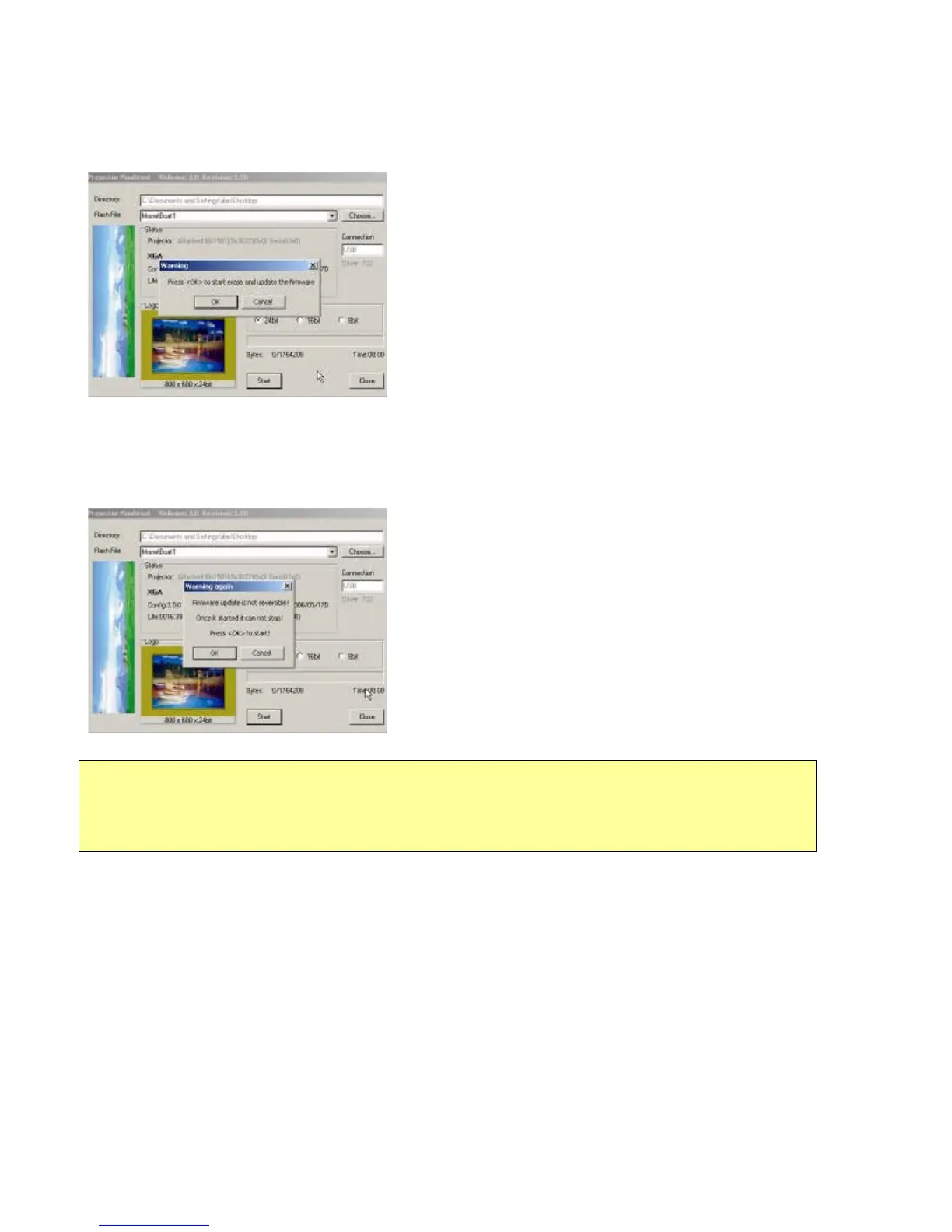
Step 5: Press “Start” button to start flash the firmware into projector, the warning message box will appear to get
your confirmation. Press <OK> to continue.
Step 6: The last warning message box appears, this is the last chance to cancel the update, press “OK” button to
start the logo change.
Step 7: By the Flash-ROM technology, Flash-Tool need to erase the old logo data before it can change it.
Caution:
DO NOT install any USB driver when erasing or upgrading process started.


 To Next Page
 Loading...








