EW536/HD66/DW318
Condential
5-7
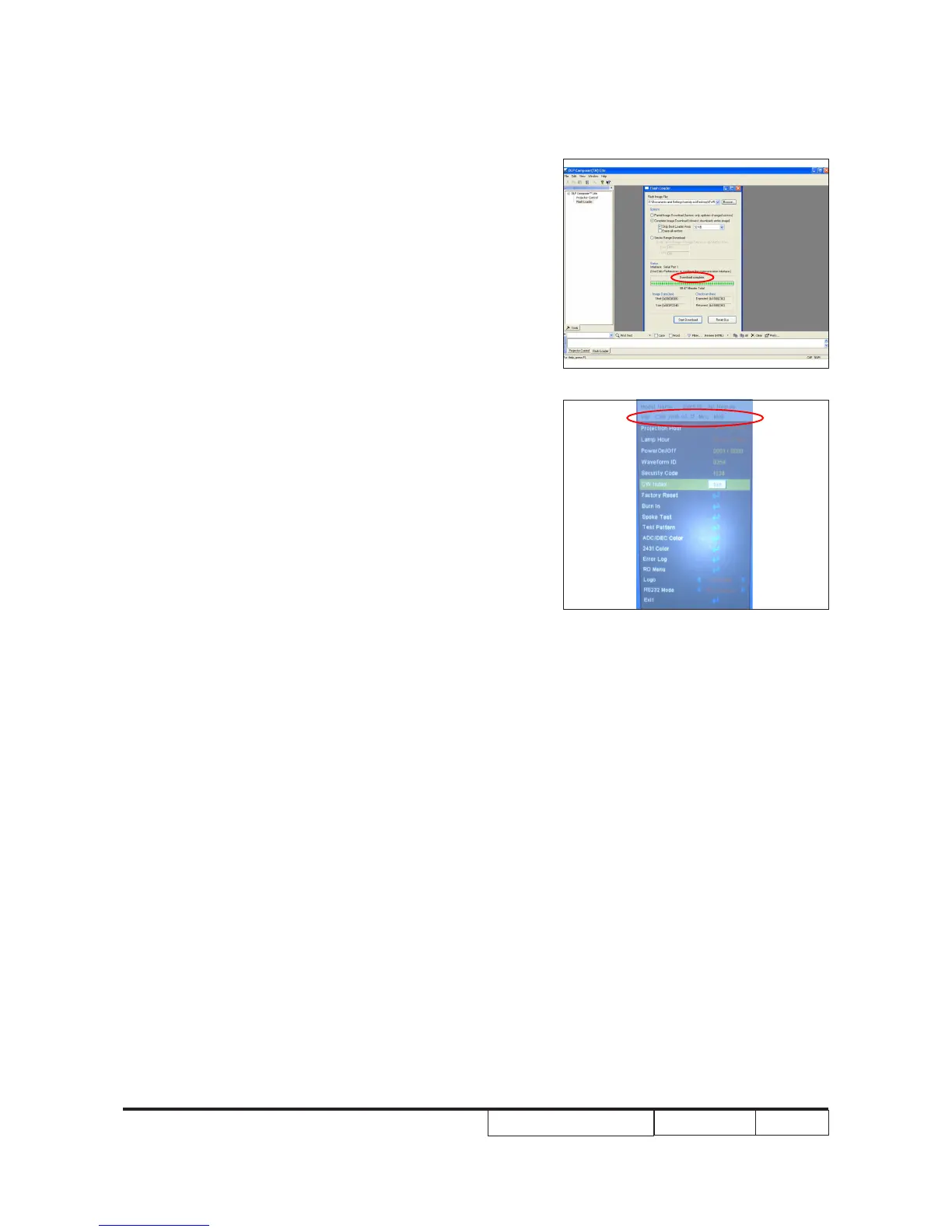
12. It takes about 9 minutes, the rmware
upgrade process is nished, "Download
completed" will appear on the screen.
- Unplug RS232 cable and power cord.
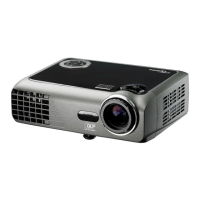
13. Check FW version.
- Re-plug in power cable, then restart the
unit and get into the Service mode to
check the rmware version.
(To get into Service mode, please press
"Power", "Left", "Left" and "Menu" buttons
sequentially.)


 To Next Page