Condential
4-2
HD25/HD25LV/HD25e
4-3 Auto Waveform and Factory Fan
RPM
After replacing main board, blower, lamp driver or
upgrading the rmware, please follow steps as below:
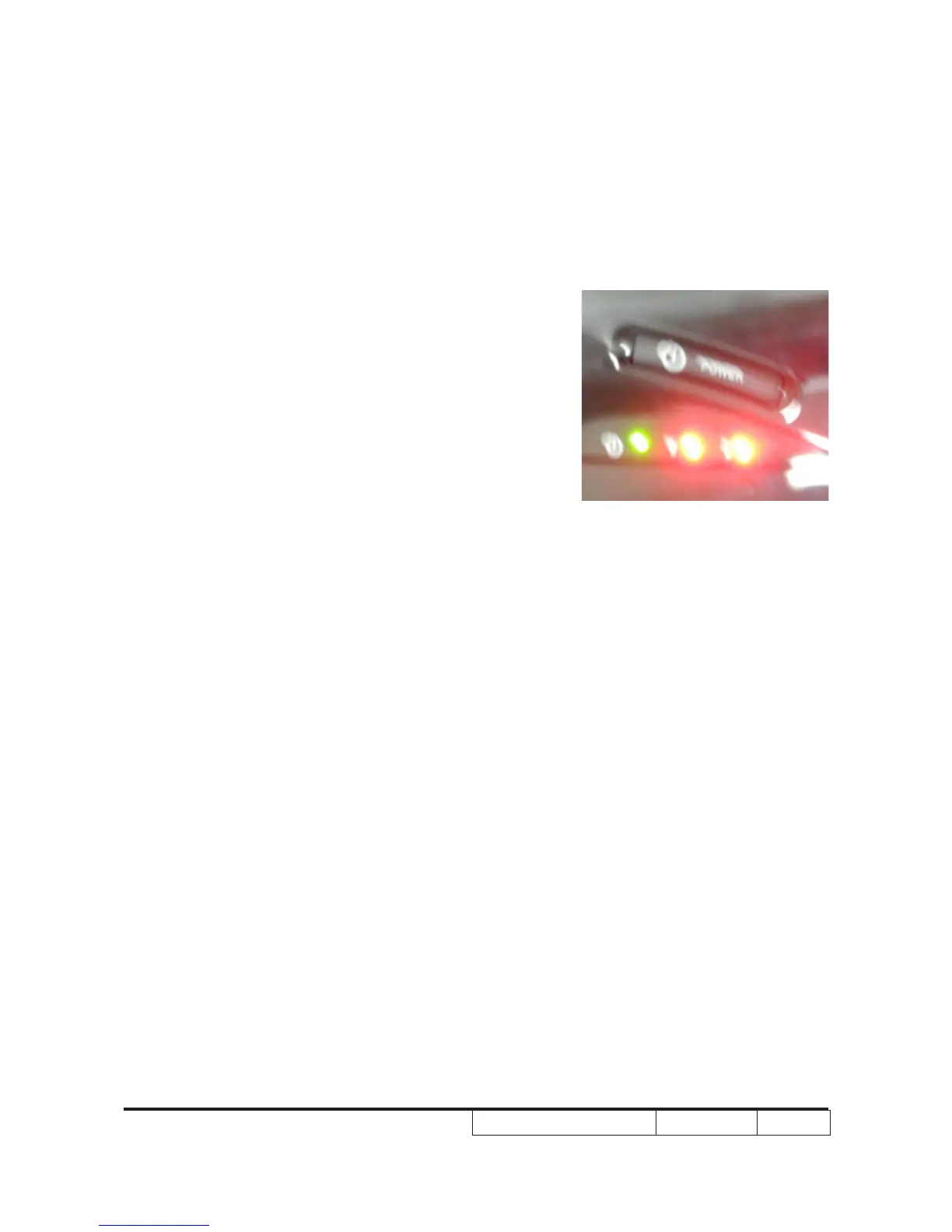
1. Plug in power cord,hold “Menu”,”UP” buttons
simultaneously and press “POWER” button.Loosen
“Menu”,”UP”buttons until“Lamp” and “Temp” LED light red.
2.Wait a moment, please get into service mode then
check the “Blower Factory RPM” .
Note:
- If the Factory FAN RPM Value doesn’t show in
service mode, please repeat the step again.
- Make sure the “Blower record (rpm) “is 3490-
4730.



 To Next Page